
Sub-Total: $0.00
Adding Additional Data to Your Cohorts

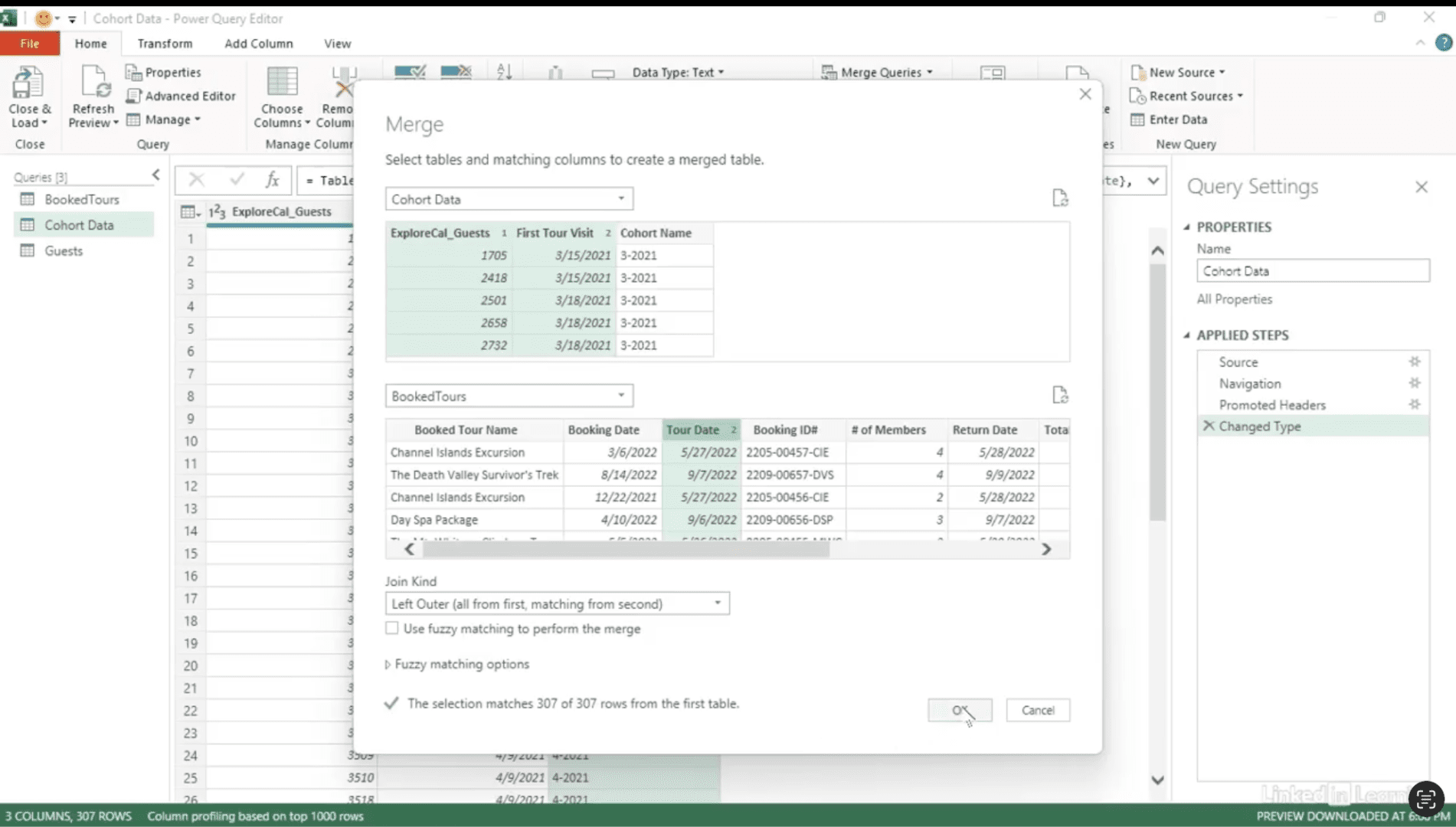
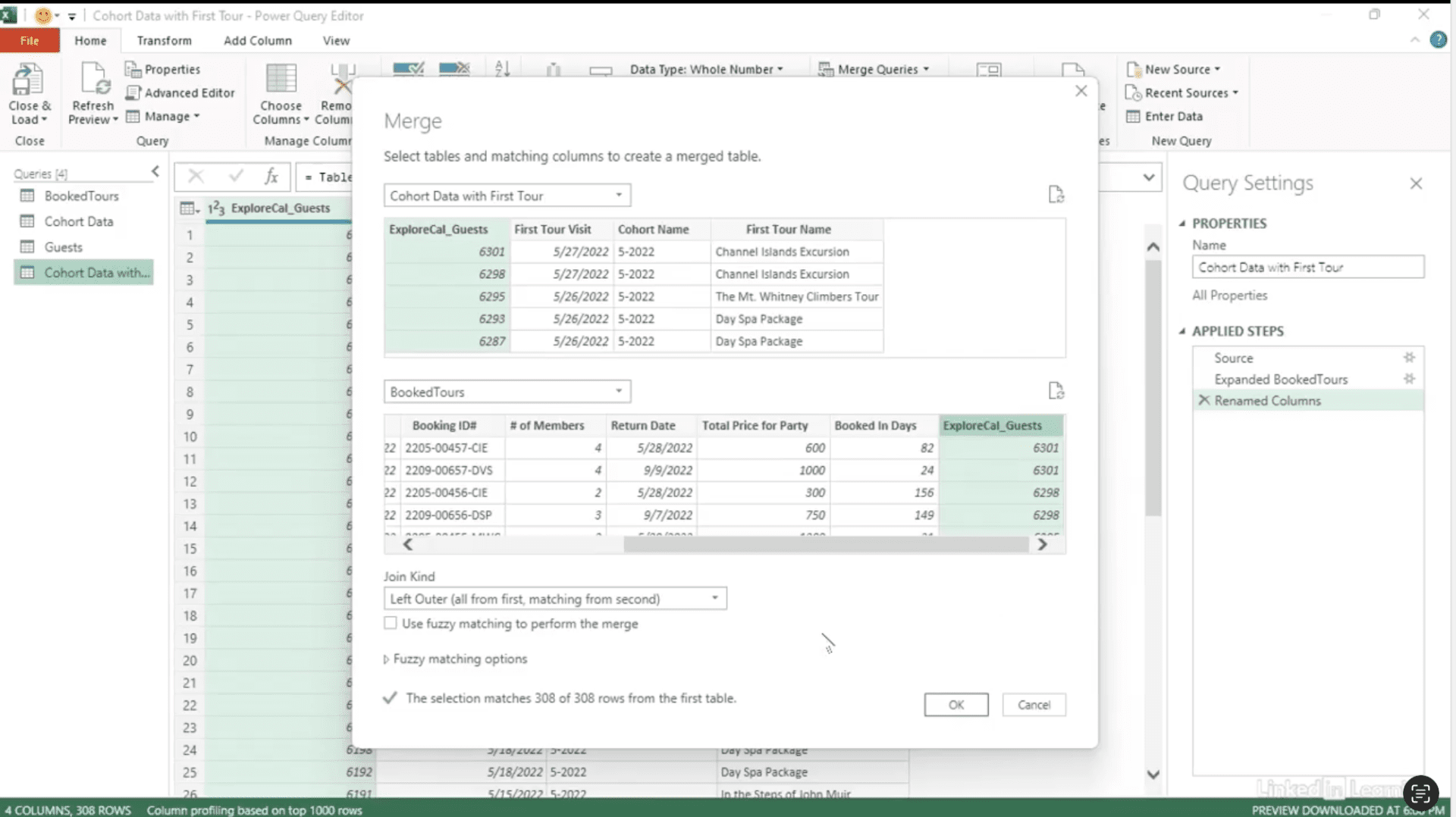
Cohorts let you group customers for deeper insights—but the real power comes when you connect them to additional details. In this Data Survival Skills session, Robin shows how to enhance cohort analysis by including the first tour each guest booked. Using Power Query, you’ll see how to correct data types, merge queries, and tie cohort names to actual booking details. With this approach, you can answer bigger questions: Does the first tour someone takes influence the others they book? Or, do loyalty and membership programs affect long-term behavior? By merging cohort information with the first tour name, you’ll transform cohorts from static groups into dynamic insights—revealing not only when guests book, but also what drives their choices.
#DataAnalytics #CohortAnalysis #PowerQuery #CustomerInsights #BusinessIntelligence #DataPreparation #DataSkills
If you’re a data analyst, you’ve no doubt learned different skills, techniques, and tools pertaining to data. But sometimes it can be difficult to know when and why to apply these tools. In this weekly series, instructor Robin Hunt explains a new skill, secret, tip, technique, best practice, or golden piece of advice in each installment. Robin covers topics that can help you do your job better, such as joining data and data designs, privacy for data, transforming and cleaning data, and making data sets and visualizing data.
Note: Because this is an ongoing series, viewers will not receive a certificate of completion.