
Sub-Total: $0.00
Using Remove Duplicates to Find the Latest or Earliest Record in Excel

Learn how to find the latest or earliest customer orders using Remove Duplicates in Excel.
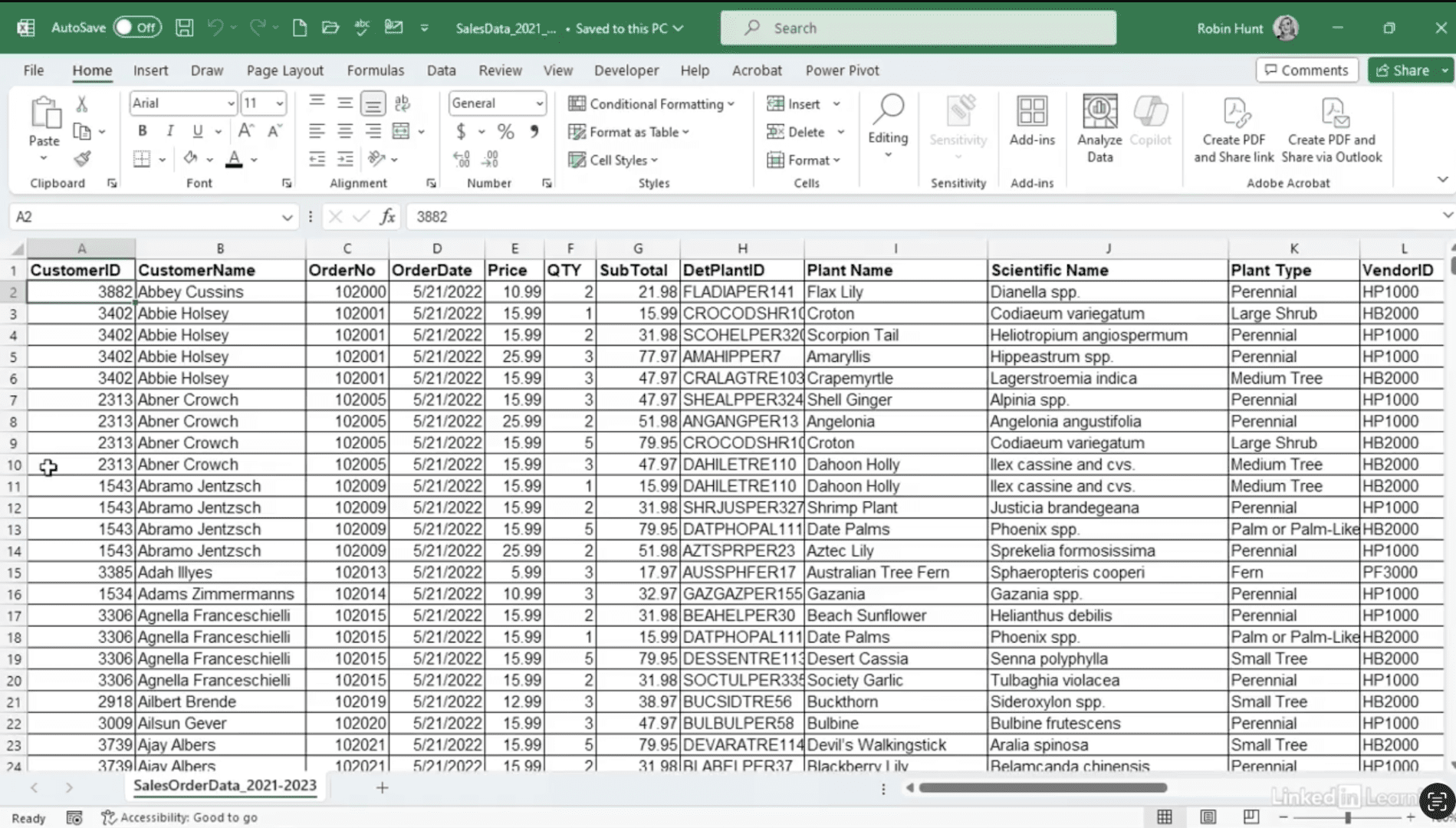
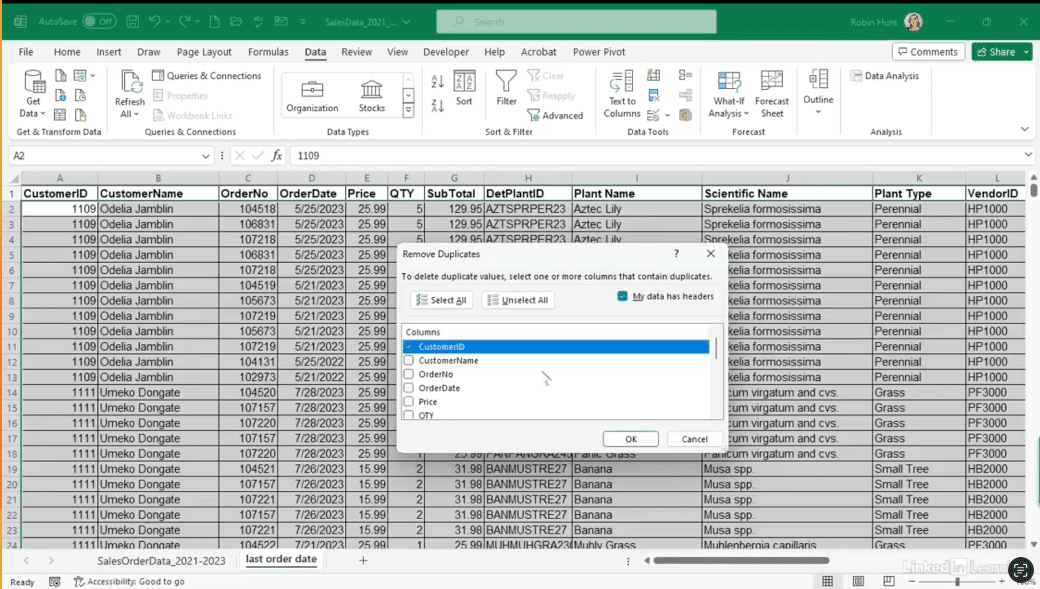
Sometimes you just need a clean list of customers with their most recent order—but sorting through all the data manually can be tedious. In this Data Survival Skills session, Robin shows how to sort by customer ID and order date, placing the newest orders at the top. Then, by using Remove Duplicates, she keeps only the first record for each customer, quickly generating a list of unique customers with their latest orders. This method works for earliest orders, highest order amounts, or other key metrics, giving you a flexible and efficient way to summarize transactional data without formulas. The result: a tidy, actionable dataset that’s ready for reporting or further analysis.
#Excel #DataAnalytics #RemoveDuplicates #DataPreparation #BusinessIntelligence #MicrosoftExcel #DataManagement #Productivity #DataCleaning #Reporting
If you’re a data analyst, you’ve no doubt learned different skills, techniques, and tools pertaining to data. But sometimes it can be difficult to know when and why to apply these tools. In this weekly series, instructor Robin Hunt explains a new skill, secret, tip, technique, best practice, or golden piece of advice in each installment. Robin covers topics that can help you do your job better, such as joining data and data designs, privacy for data, transforming and cleaning data, and making data sets and visualizing data.
Note: Because this is an ongoing series, viewers will not receive a certificate of completion.