
Sub-Total: $0.00
Conversational Data Exploration in Power BI with Fabric and Copilot

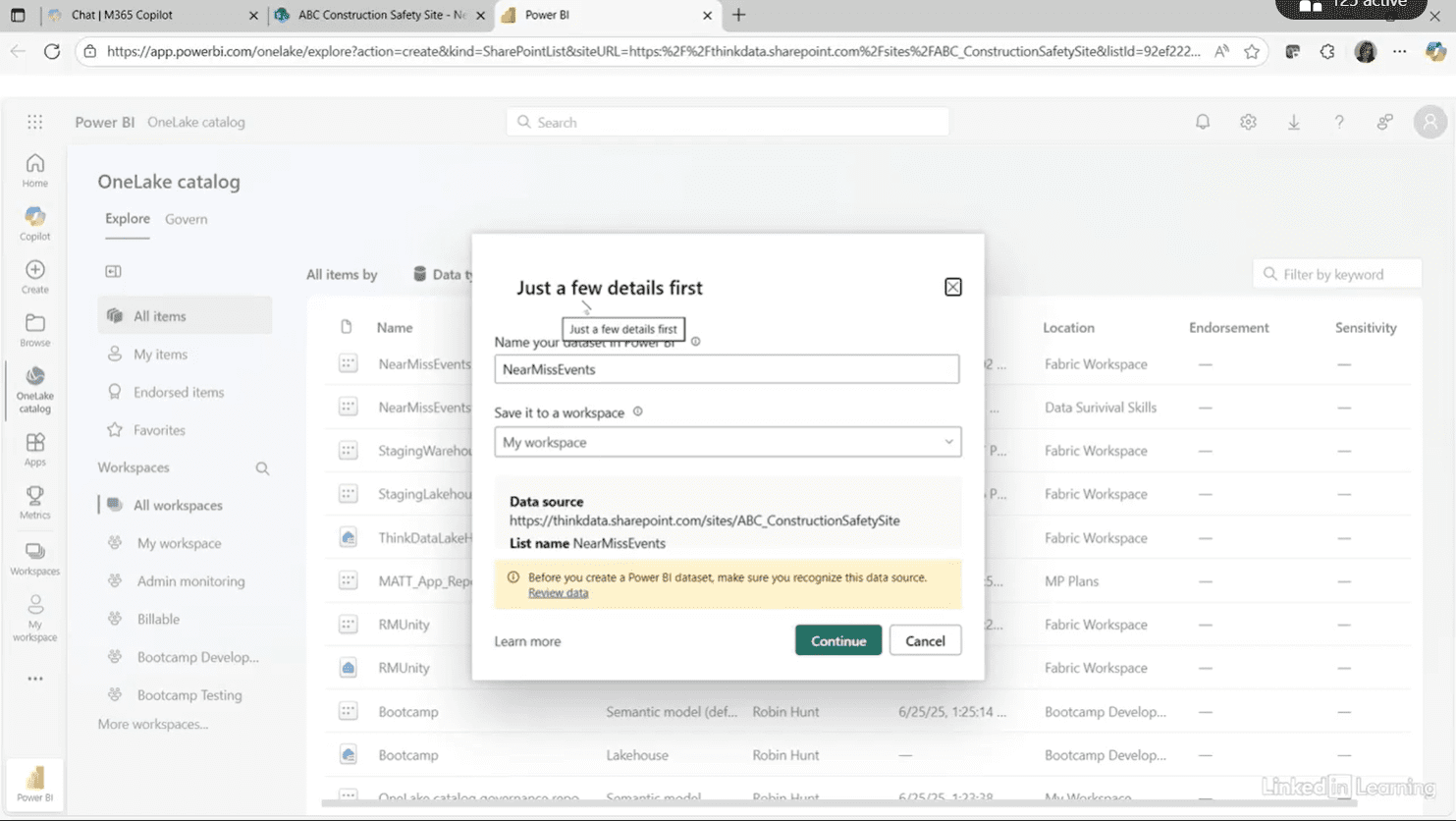
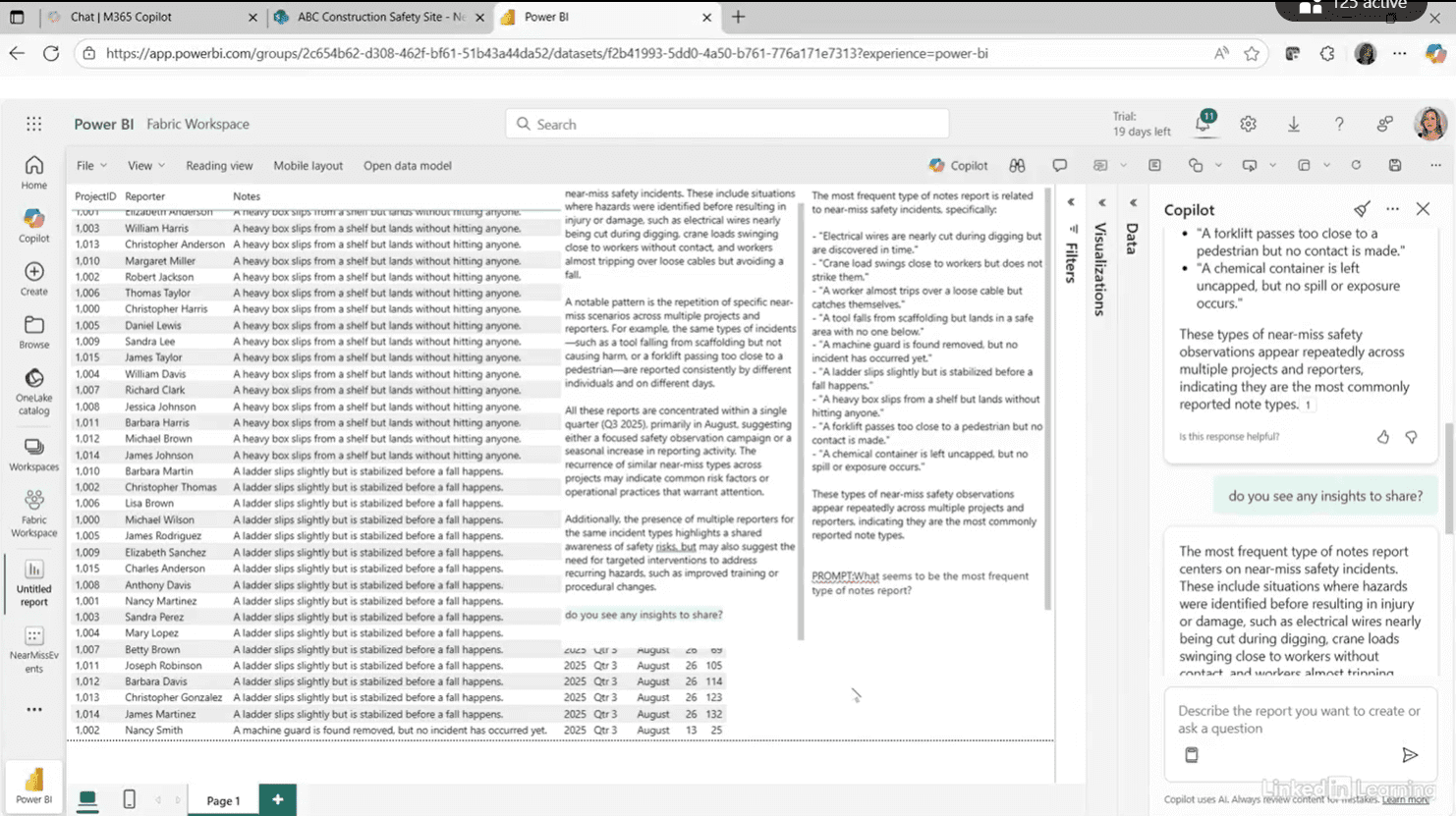
This video explores how Copilot in Power BI with Fabric can support fast, conversational data exploration to help teams gain insights and communicate value early. Robin demonstrates exporting SharePoint data into a Fabric workspace and using Copilot to ask natural-language questions about a simple safety dataset, such as identifying common patterns in near-miss reports. Rather than replacing validation or testing, Copilot is positioned as a starting point for insight generation and discussion, especially when working with leadership. The key takeaway is that browser-based Power BI and Copilot enable rapid exploration, clearer communication, and quicker alignment on what future dashboards and data models should deliver.
#PowerBI #Copilot #DataAnalytics
If you’re a data analyst, you’ve no doubt learned different skills, techniques, and tools pertaining to data. But sometimes it can be difficult to know when and why to apply these tools. In this weekly series, instructor Robin Hunt explains a new skill, secret, tip, technique, best practice, or golden piece of advice in each installment. Robin covers topics that can help you do your job better, such as joining data and data designs, privacy for data, transforming and cleaning data, and making data sets and visualizing data.
Note: Because this is an ongoing series, viewers will not receive a certificate of completion.