
Sub-Total: $0.00
Cleaning data from a PDF in Power BI

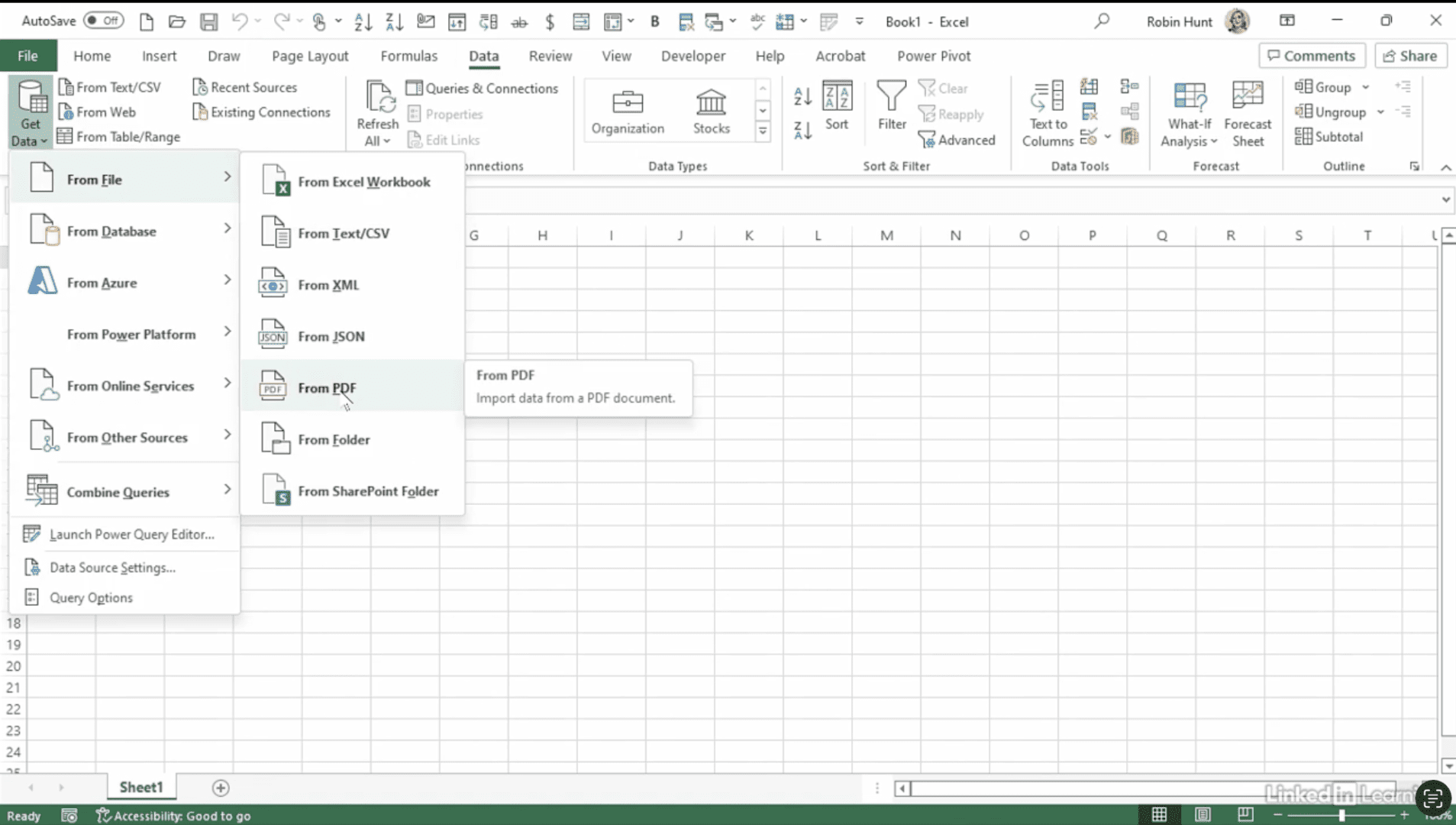
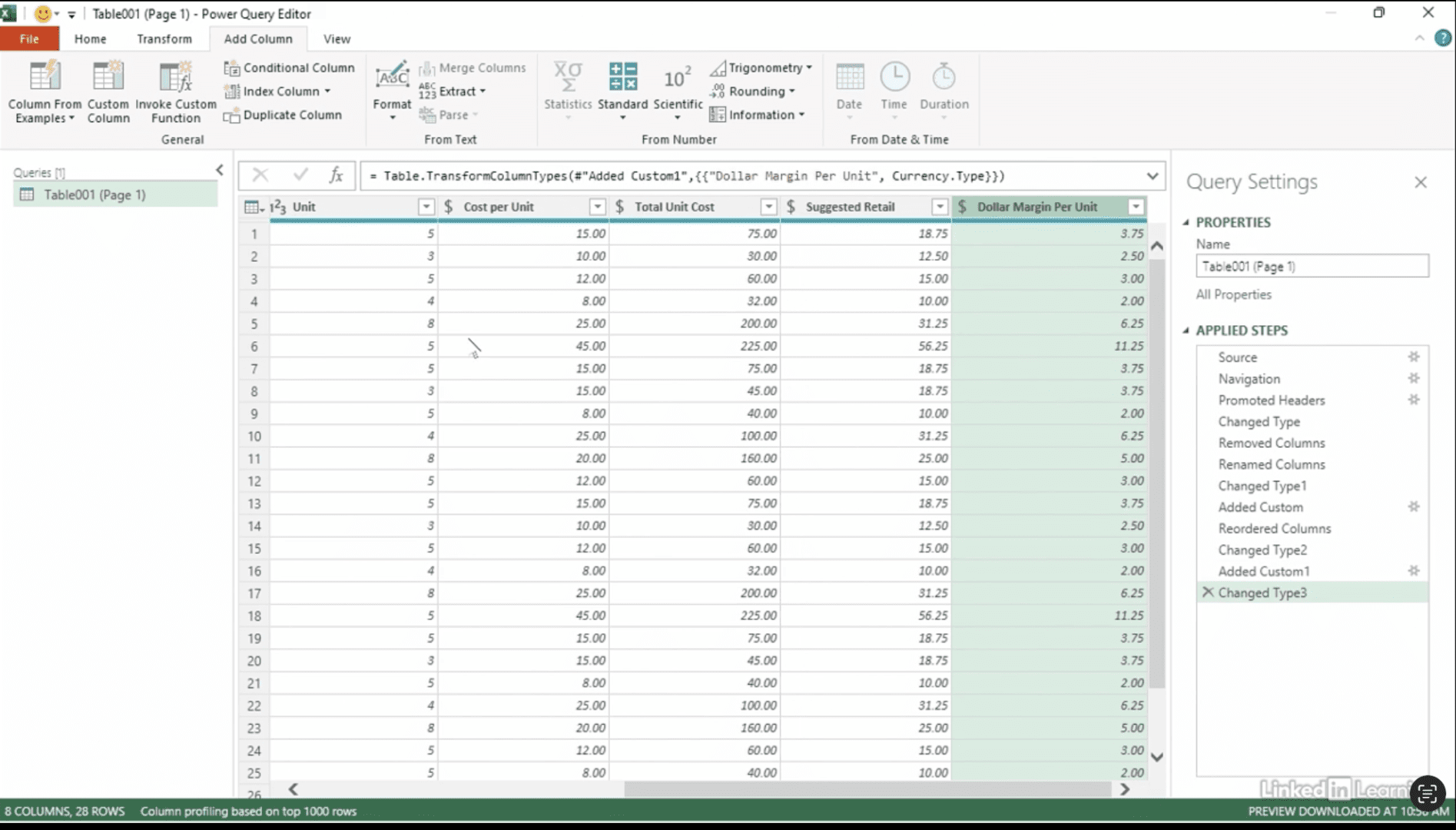
Discover how to turn static PDF files into interactive, analyzable data. In this Data Survival Skills session, Robin shows how to use Power Query in Power BI to import tables from vendor PDFs and clean them into structured datasets. By converting cost and retail price fields into usable formats, adding custom calculations for total costs and margins, and enabling quick sorting and analysis, she demonstrates how to unlock insights hidden in unstructured files. This approach makes it easy to refresh future PDFs instantly—turning locked documents into dynamic reports.
#PowerBI #PowerQuery #PDFData #DataCleaning #BusinessIntelligence #DataAnalytics #DataPreparation #DataModeling #DataVisualization

If you’re a data analyst, you’ve no doubt learned different skills, techniques, and tools pertaining to data. But sometimes it can be difficult to know when and why to apply these tools. In this weekly series, instructor Robin Hunt explains a new skill, secret, tip, technique, best practice, or golden piece of advice in each installment. Robin covers topics that can help you do your job better, such as joining data and data designs, privacy for data, transforming and cleaning data, and making data sets and visualizing data.
Note: Because this is an ongoing series, viewers will not receive a certificate of completion.