
Sub-Total: $0.00
Cleaning data from a folder of files in Power BI

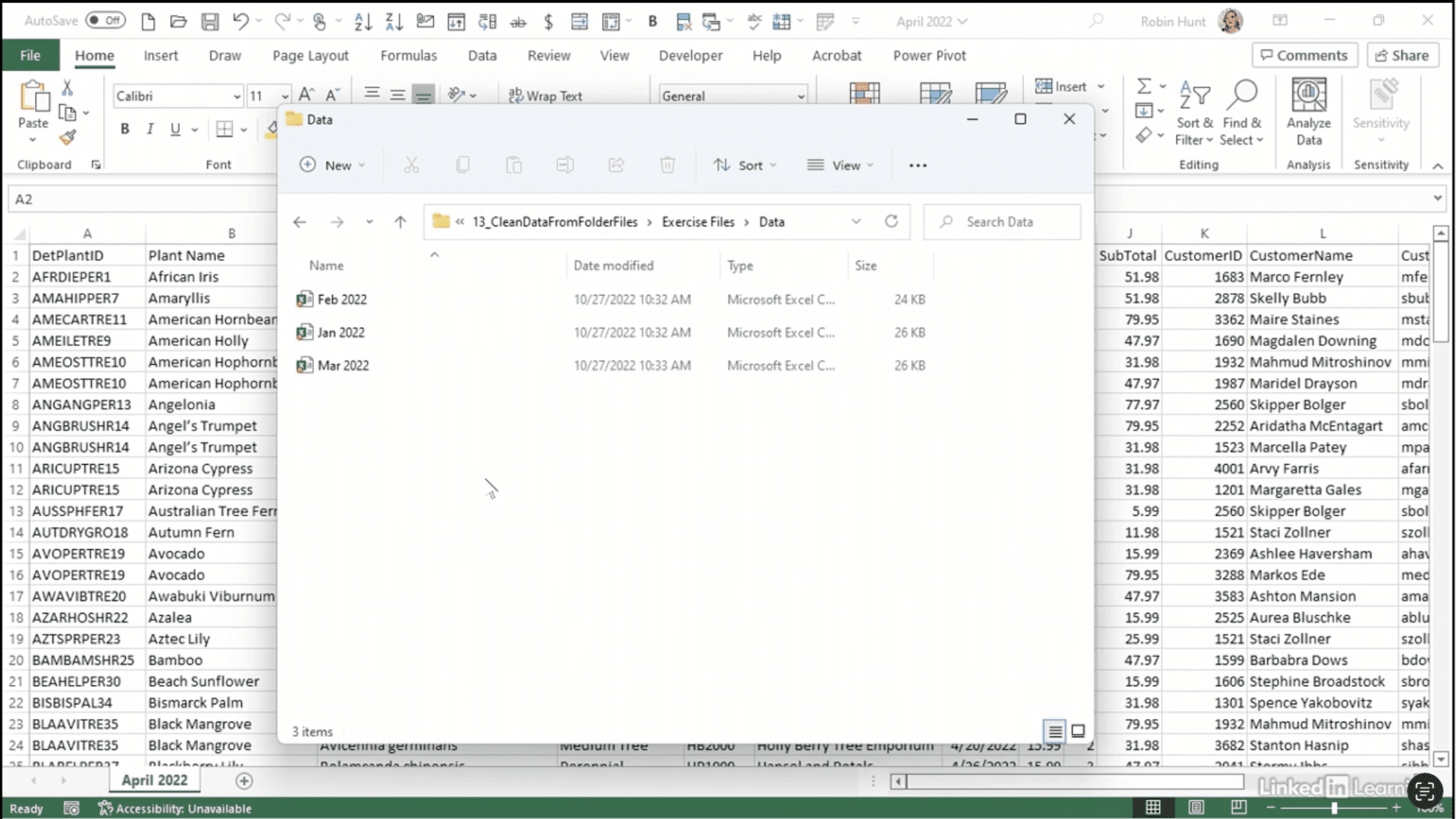
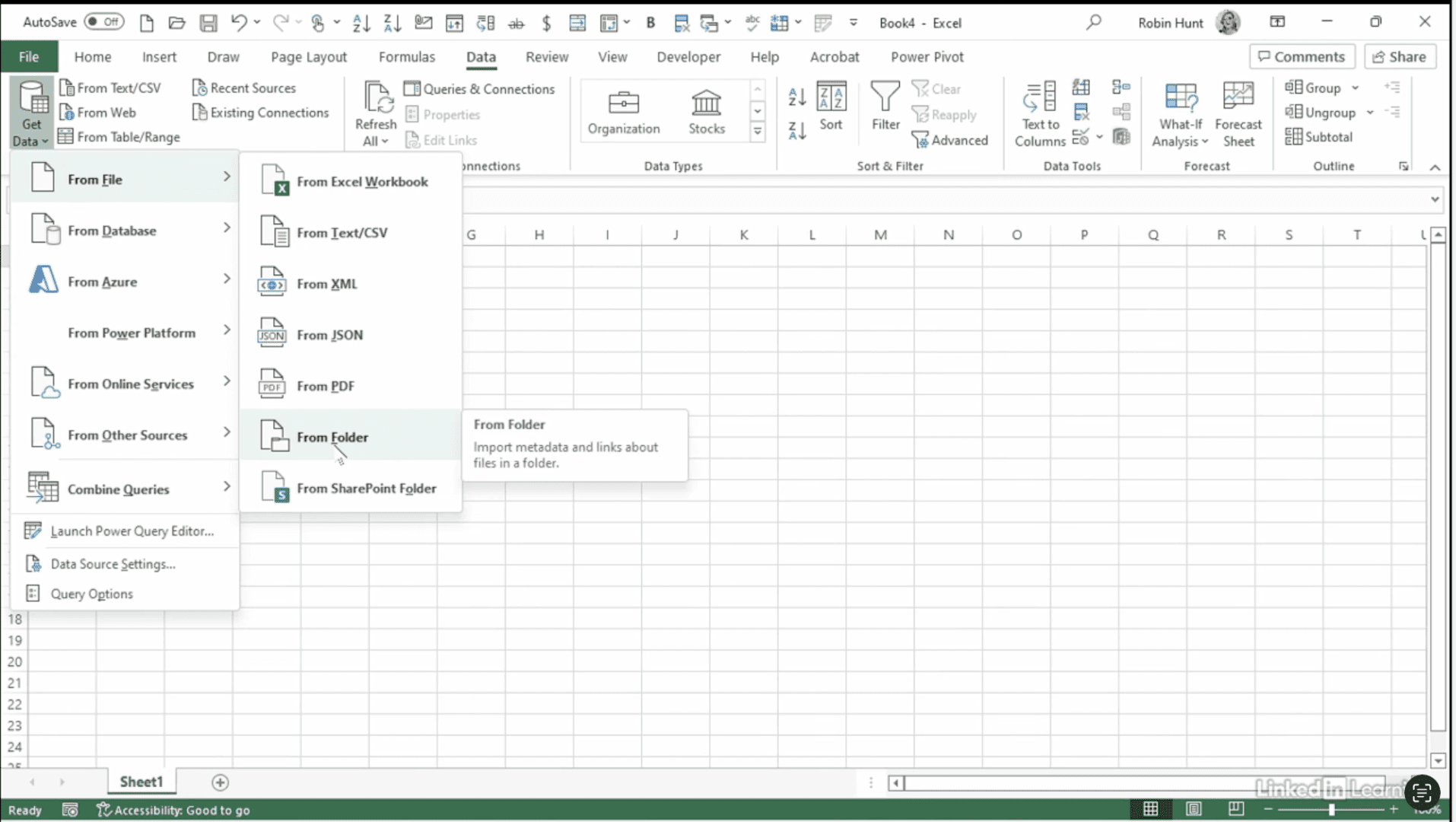
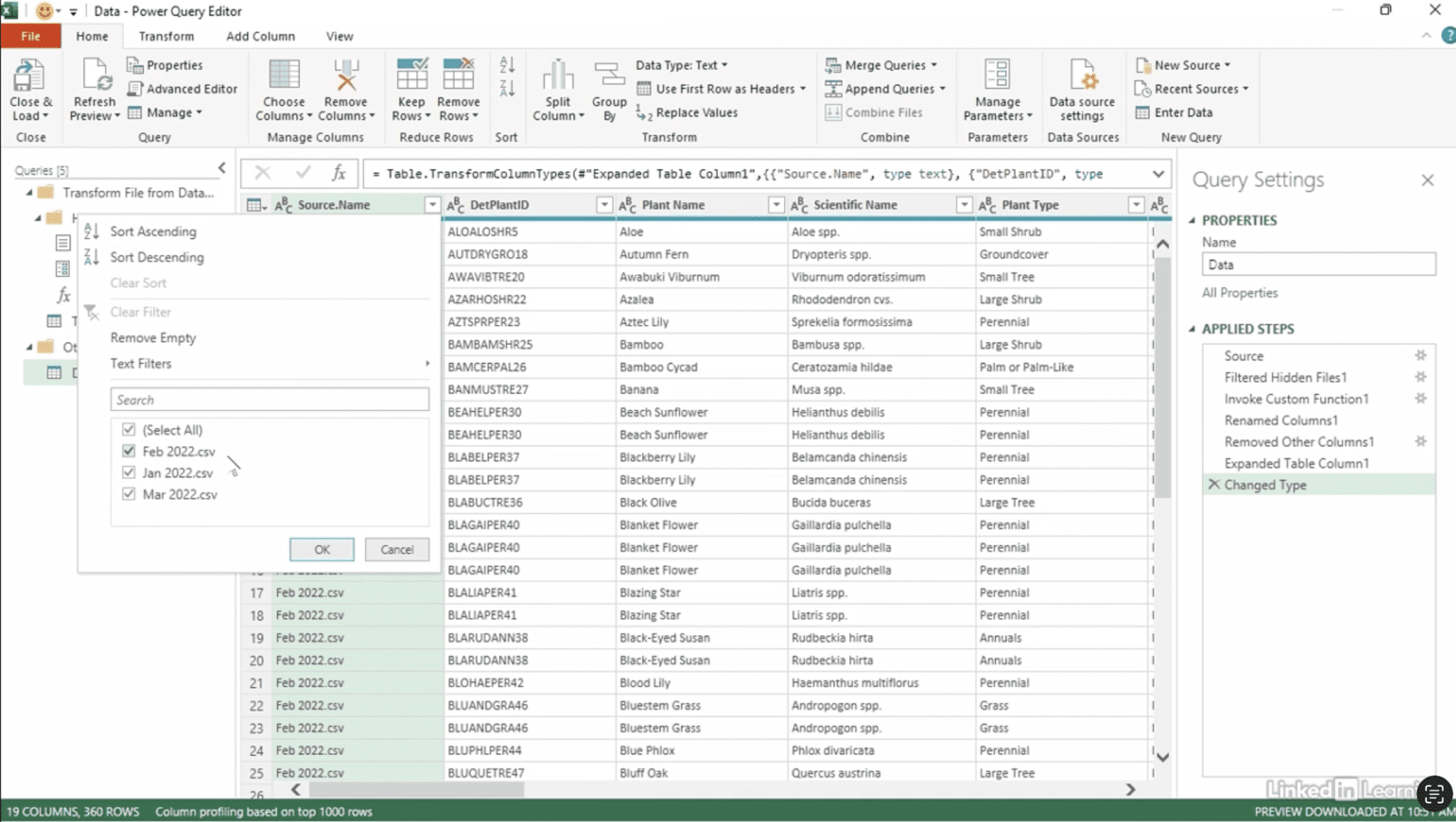
Learn how to clean and combine data from multiple files in Power BI. Managing monthly files can be tedious—but Power Query’s From Folder command makes it seamless. In this Data Survival Skills session, Robin demonstrates how to combine and clean multiple rebate files stored in a single folder. Instead of manually appending each month’s data, Power BI automatically merges them into one query—carrying forward transformations like changing data types, removing unnecessary fields, and sorting by plant type. When a new month arrives, simply drop the file into the folder and hit Refresh. All cleaning rules are applied instantly, keeping your reports up to date with zero extra work. This approach saves hours of manual effort and ensures consistency across datasets.
#PowerQuery #PowerBI #Excel #DataCleaning #Automation #DataPreparation #BusinessIntelligence #MicrosoftExcel #MicrosoftPowerBI

If you’re a data analyst, you’ve no doubt learned different skills, techniques, and tools pertaining to data. But sometimes it can be difficult to know when and why to apply these tools. In this weekly series, instructor Robin Hunt explains a new skill, secret, tip, technique, best practice, or golden piece of advice in each installment. Robin covers topics that can help you do your job better, such as joining data and data designs, privacy for data, transforming and cleaning data, and making data sets and visualizing data.
Note: Because this is an ongoing series, viewers will not receive a certificate of completion.