
Sub-Total: $0.00
Adding data leveraging cross joins

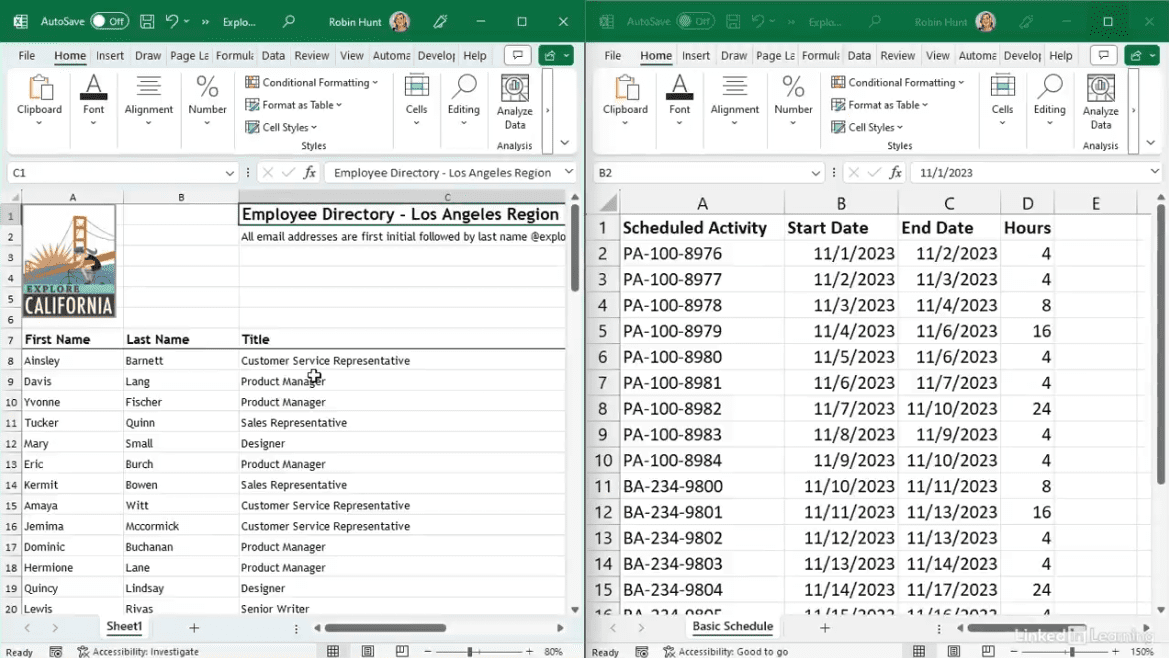
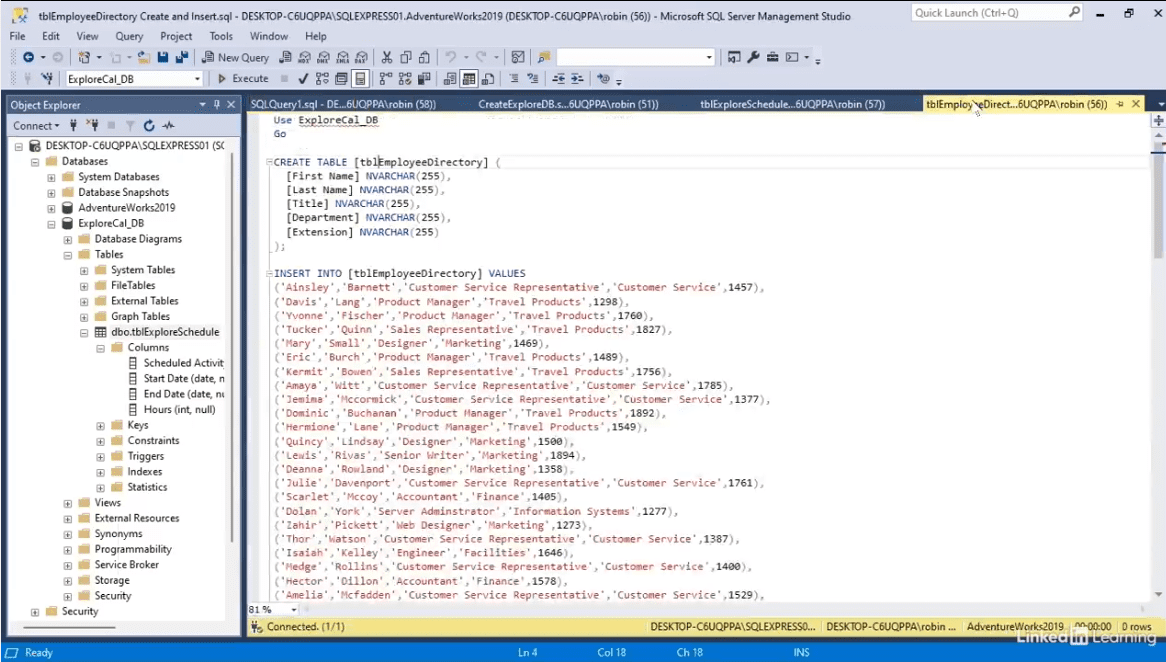
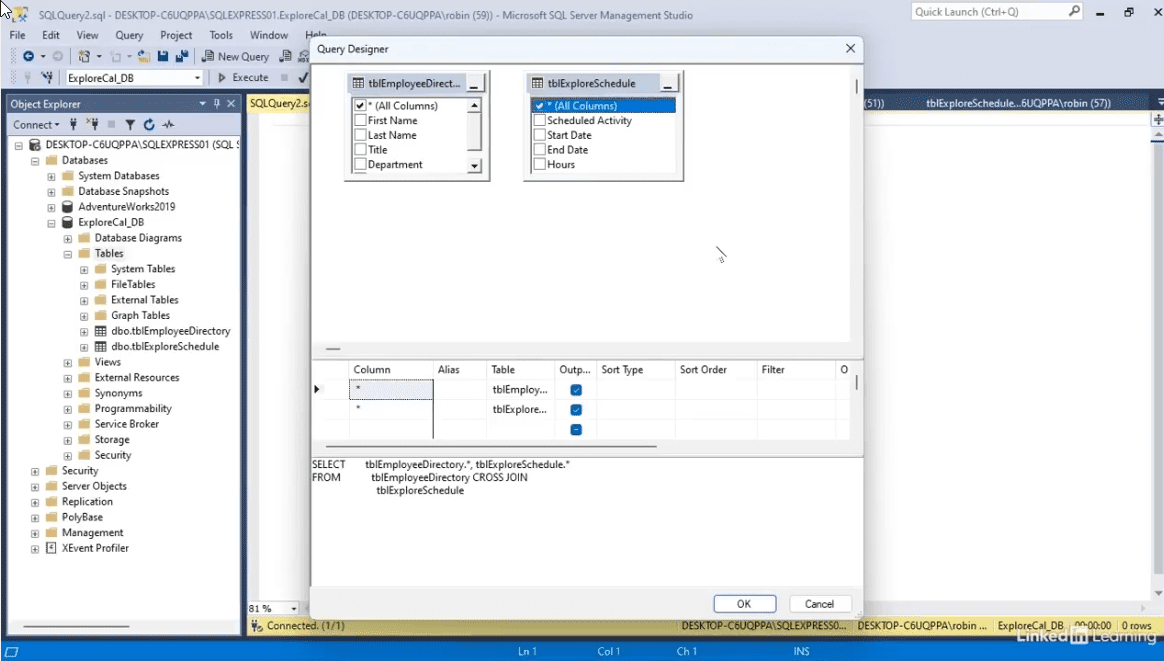
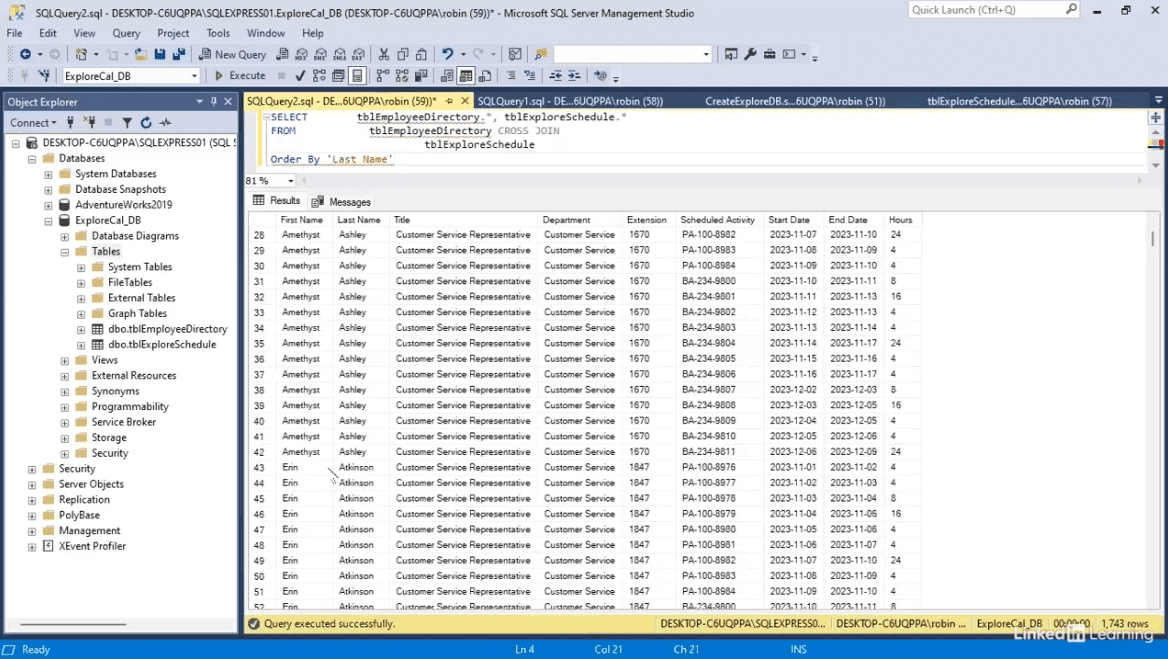
Learn how to quickly assign full schedules to all employees using SQL cross joins. In this Data Survival Skills session, Robin demonstrates how to create two tables—one for employees and one for schedules—and use a cross join to generate every possible combination. She shows how to execute the scripts in SQL Server, verify the results, and export them to Excel for reporting. Along the way, she highlights how leveraging cross joins eliminates repetitive copying and ensures accurate, analysis-ready data. This approach saves time, reduces errors, and makes large-scale scheduling simple and efficient.
#SQL #CrossJoin #DataAutomation #Excel #DataAnalytics #BusinessIntelligence #Reporting
If you’re a data analyst, you’ve no doubt learned different skills, techniques, and tools pertaining to data. But sometimes it can be difficult to know when and why to apply these tools. In this weekly series, instructor Robin Hunt explains a new skill, secret, tip, technique, best practice, or golden piece of advice in each installment. Robin covers topics that can help you do your job better, such as joining data and data designs, privacy for data, transforming and cleaning data, and making data sets and visualizing data.
Note: Because this is an ongoing series, viewers will not receive a certificate of completion.