
Sub-Total: $0.00
Using date functions to create follow up data

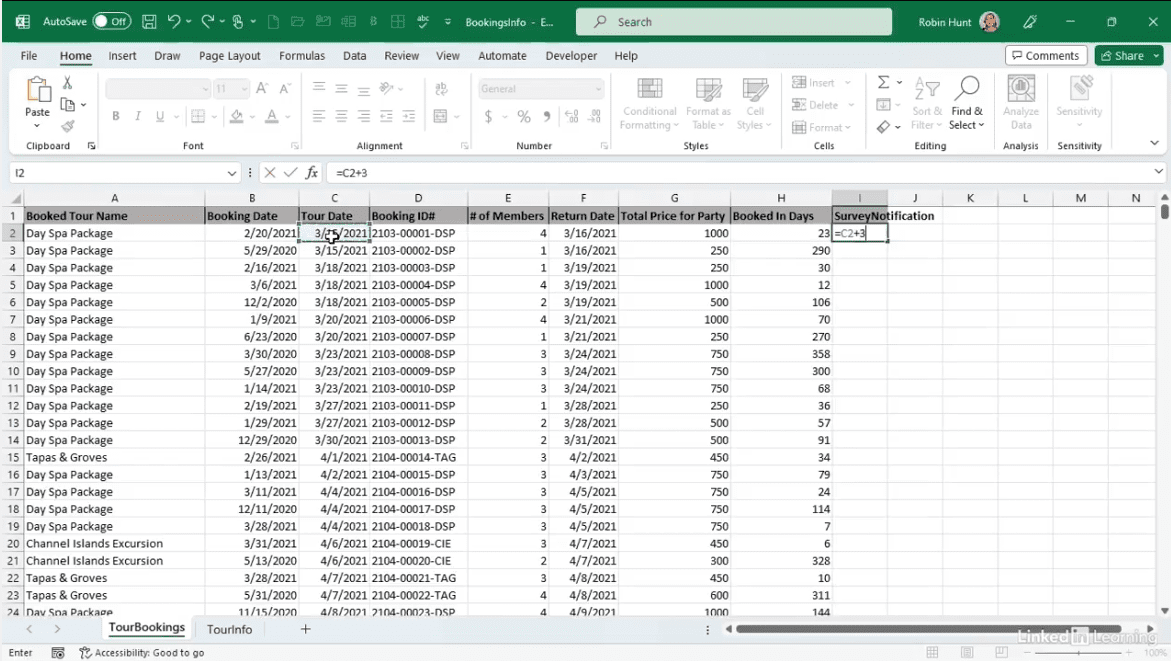
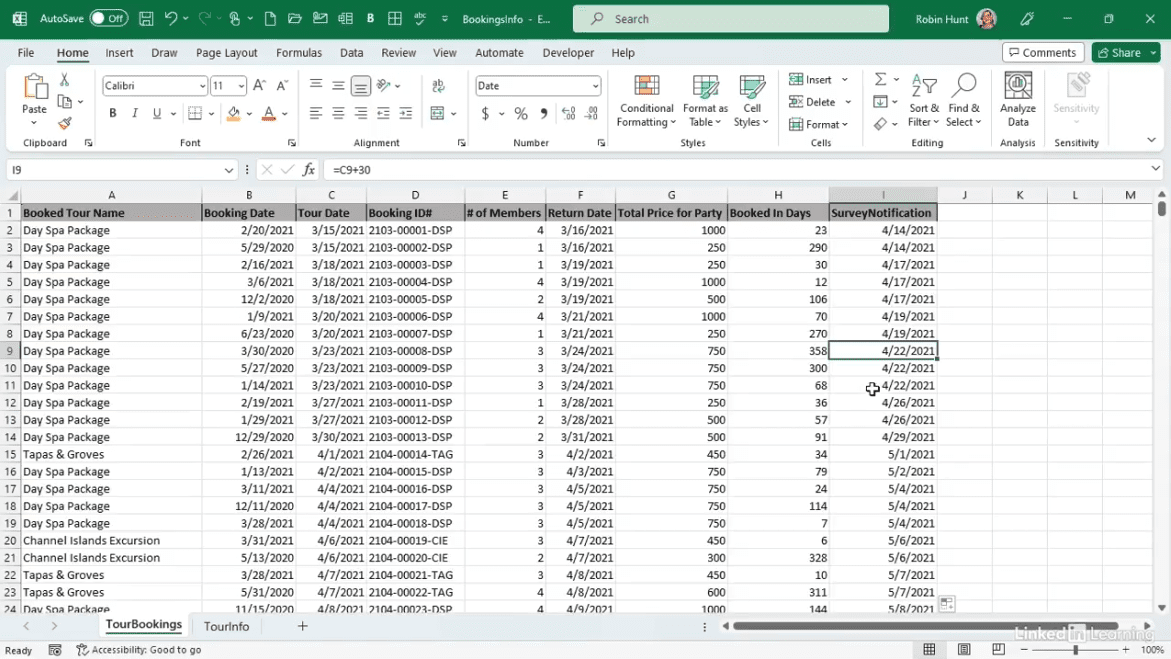
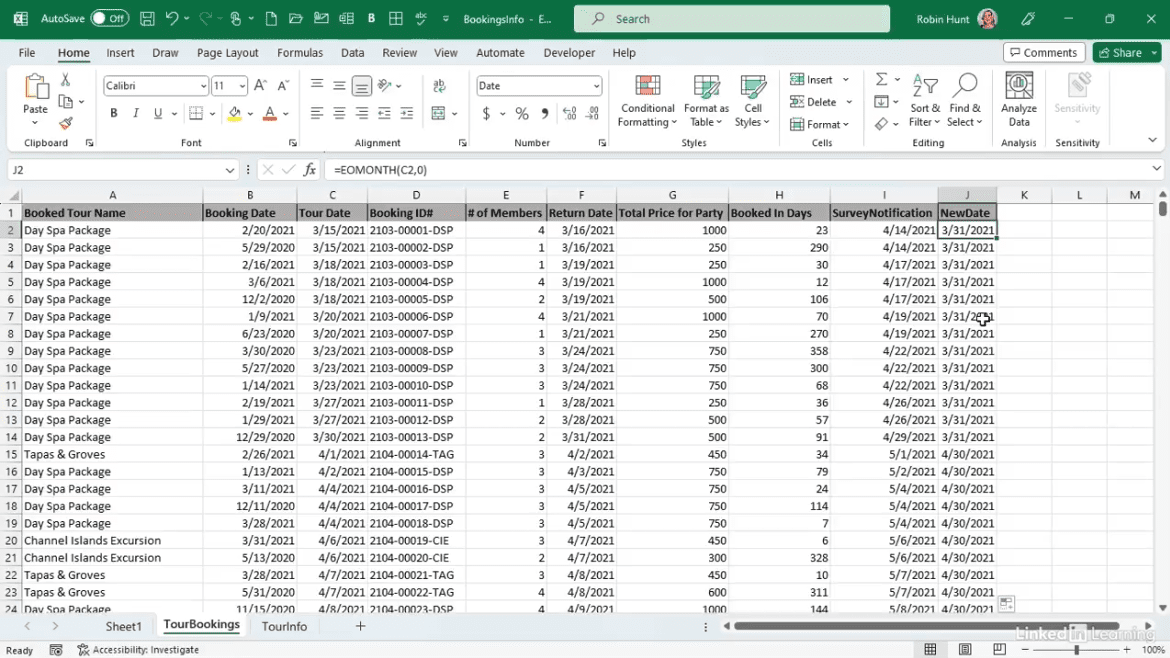
Learn how to save hours on recurring tasks using date functions in Excel. In this Data Survival Skills session, Robin demonstrates how Explore California streamlined their customer survey process by calculating follow-up dates automatically. She shows how to use functions like EOMONTH to shift survey notifications from a daily workflow to a monthly schedule, dramatically reducing time spent from 32.5 hours a year to just a fraction. Along the way, she highlights pivot tables, running totals, and analysis techniques that make it easy to visualize the impact and optimize workflows. This approach saves time, reduces manual work, and turns everyday data into actionable efficiency gains.
#Excel #DataAutomation #DataAnalytics #BusinessIntelligence #TimeManagement #PivotTables #ProcessImprovement #DataDriven
If you’re a data analyst, you’ve no doubt learned different skills, techniques, and tools pertaining to data. But sometimes it can be difficult to know when and why to apply these tools. In this weekly series, instructor Robin Hunt explains a new skill, secret, tip, technique, best practice, or golden piece of advice in each installment. Robin covers topics that can help you do your job better, such as joining data and data designs, privacy for data, transforming and cleaning data, and making data sets and visualizing data.
Note: Because this is an ongoing series, viewers will not receive a certificate of completion.