
Sub-Total: $0.00
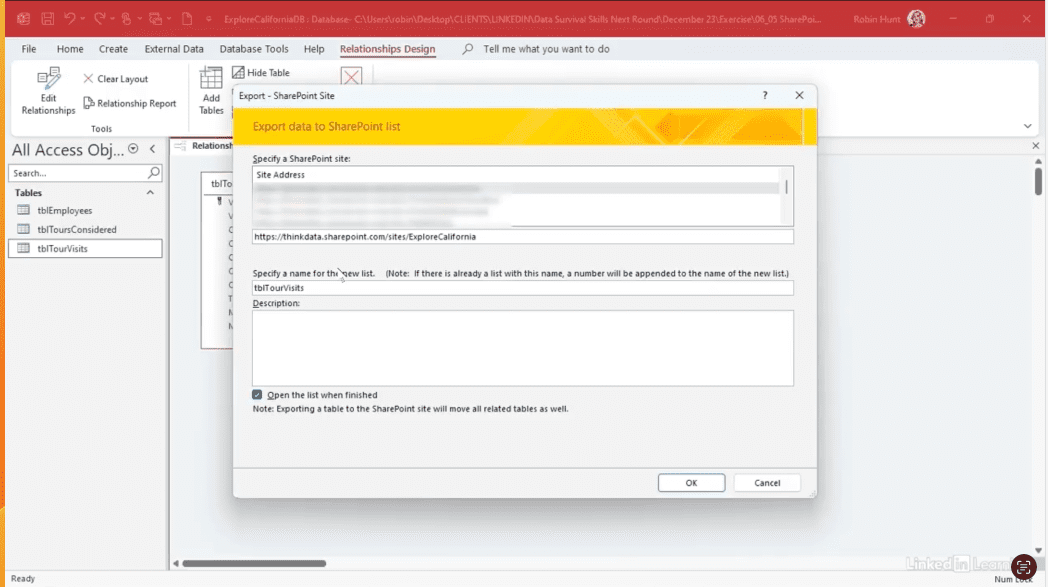
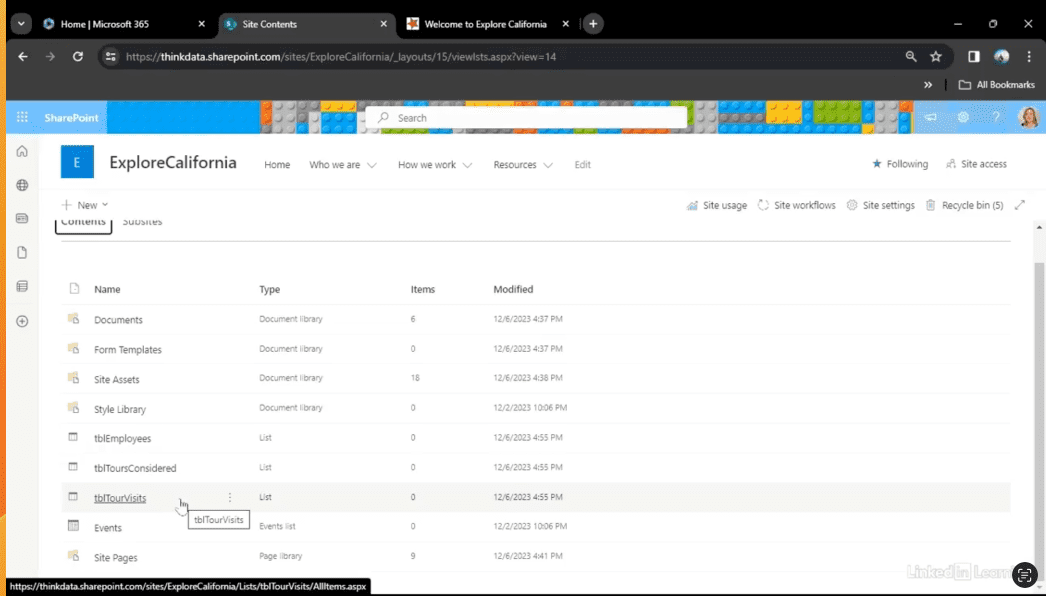
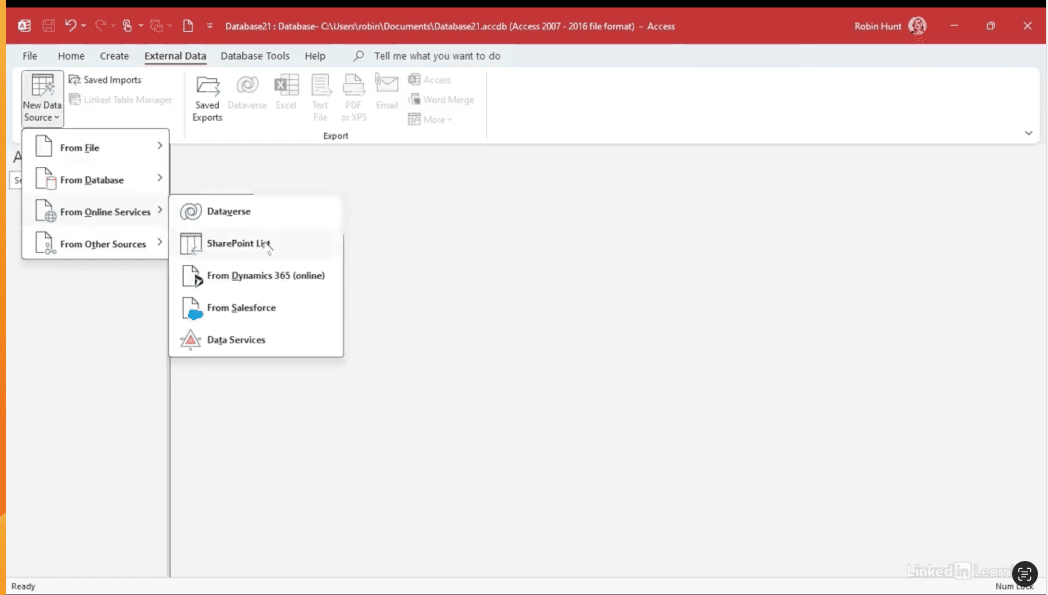
Creating a SharePoint back end from a database

Discover how to turn a long list of event details into a clean, organized schedule in seconds. In this Data Survival Skills session, Robin shows how to use Power Query’s Pivot Column to transform agenda data into a clear display of speakers, dates, and sessions. Unlike a regular pivot table, Pivot Column makes it easy to map out schedules, track who’s speaking when, and instantly adjust your view. Once you see how quick and effective this technique is, you’ll never look at pivoting data the same way again.
#MicrosoftExcel #PowerQuery #PivotColumn #DataTransformation #DataVisualization #DataCleaning #ExcelTips #DataAnalysis #SpreadsheetTools #DataSkills
If you’re a data analyst, you’ve no doubt learned different skills, techniques, and tools pertaining to data. But sometimes it can be difficult to know when and why to apply these tools. In this weekly series, instructor Robin Hunt explains a new skill, secret, tip, technique, best practice, or golden piece of advice in each installment. Robin covers topics that can help you do your job better, such as joining data and data designs, privacy for data, transforming and cleaning data, and making data sets and visualizing data.
Note: Because this is an ongoing series, viewers will not receive a certificate of completion.