
Sub-Total: $0.00
Use Copilot to build basic functions in Excel

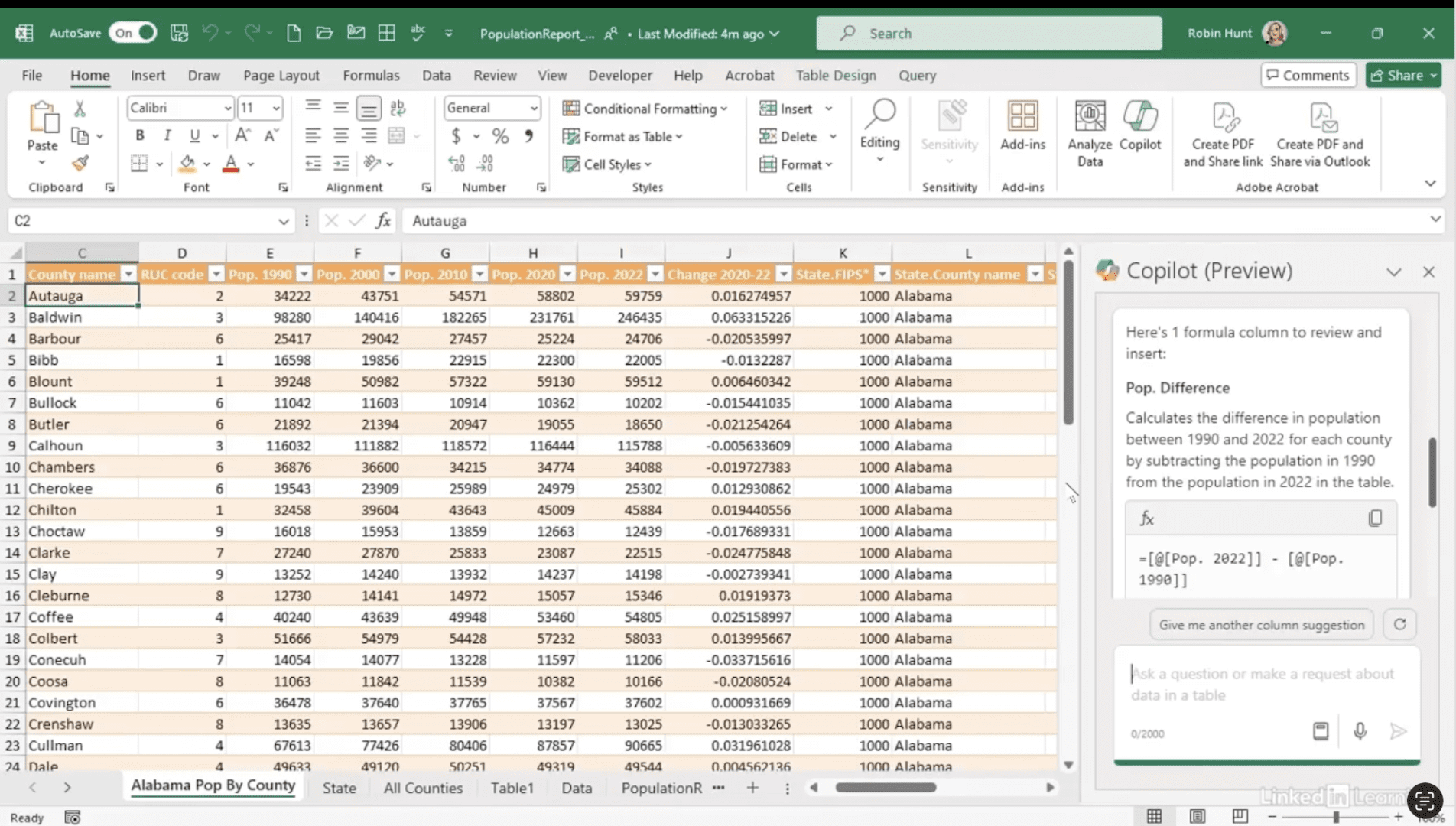
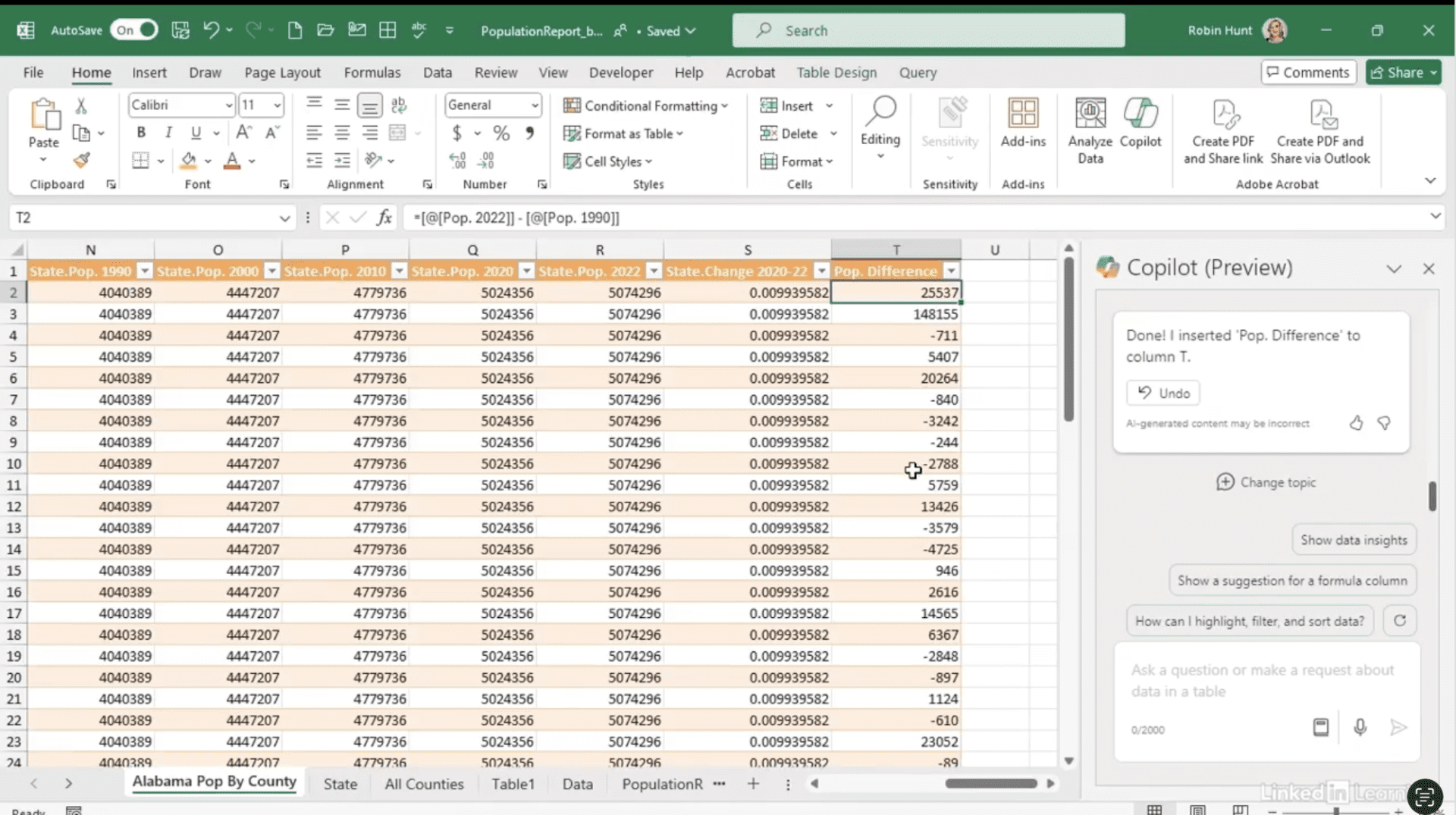
Discover how to use Copilot to build and verify basic Excel functions. In this Data Survival Skills session, Robin prompts Copilot to calculate the change in county populations from 1990 to 2022 and to find each county’s share of the 2022 state population. Copilot delivers formulas and explains the logic behind them, helping you learn while you work. Robin highlights the importance of checking every response to ensure accuracy—because reviewing Copilot’s output not only confirms the data is correct, it can also spark ideas for new columns and deeper analysis. By combining Copilot’s speed with careful validation, you can streamline calculations and expand your Excel skills with confidence.
#DataAnalytics #Excel #Copilot #ExcelTips #DataSkills #Productivity #ExcelFormulas #AIinExcel #ExploratoryAnalysis
If you’re a data analyst, you’ve no doubt learned different skills, techniques, and tools pertaining to data. But sometimes it can be difficult to know when and why to apply these tools. In this weekly series, instructor Robin Hunt explains a new skill, secret, tip, technique, best practice, or golden piece of advice in each installment. Robin covers topics that can help you do your job better, such as joining data and data designs, privacy for data, transforming and cleaning data, and making data sets and visualizing data.
Note: Because this is an ongoing series, viewers will not receive a certificate of completion.