
Sub-Total: $0.00
Use Copilot to do basic cleanup commands

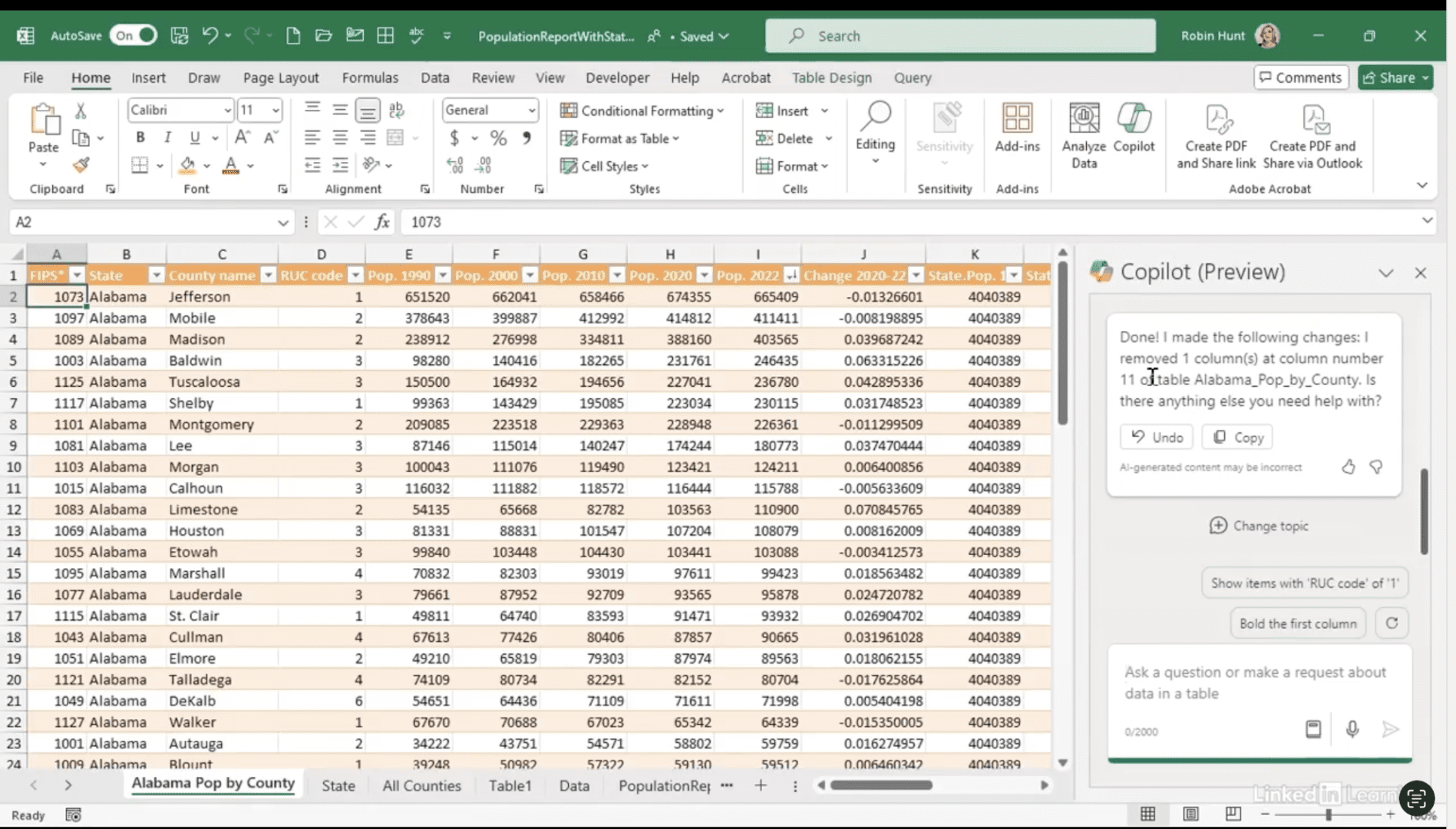
Learn when to lean on Copilot vs. Power Query in Excel. In this Data Survival Skills session, Robin shows how to clean up a dataset for a quick ad hoc marketing request—removing unnecessary fields, reformatting values into easy-to-read percentages, and applying conditional formatting to highlight negatives. Along the way, you’ll see where Copilot is great for one-off edits and where Power Query offers more control for repeatable workflows. The lesson: strong data skills aren’t just about knowing the tools, but knowing when to use them.
#ExcelTips #PowerQuery #CopilotInExcel #DataAnalytics #DataCleaning #DataSkills #Productivity

If you’re a data analyst, you’ve no doubt learned different skills, techniques, and tools pertaining to data. But sometimes it can be difficult to know when and why to apply these tools. In this weekly series, instructor Robin Hunt explains a new skill, secret, tip, technique, best practice, or golden piece of advice in each installment. Robin covers topics that can help you do your job better, such as joining data and data designs, privacy for data, transforming and cleaning data, and making data sets and visualizing data.
Note: Because this is an ongoing series, viewers will not receive a certificate of completion.