
Sub-Total: $0.00
Building Data Sets inside of Outlook

Learn how to build reusable data sets directly inside Outlook.
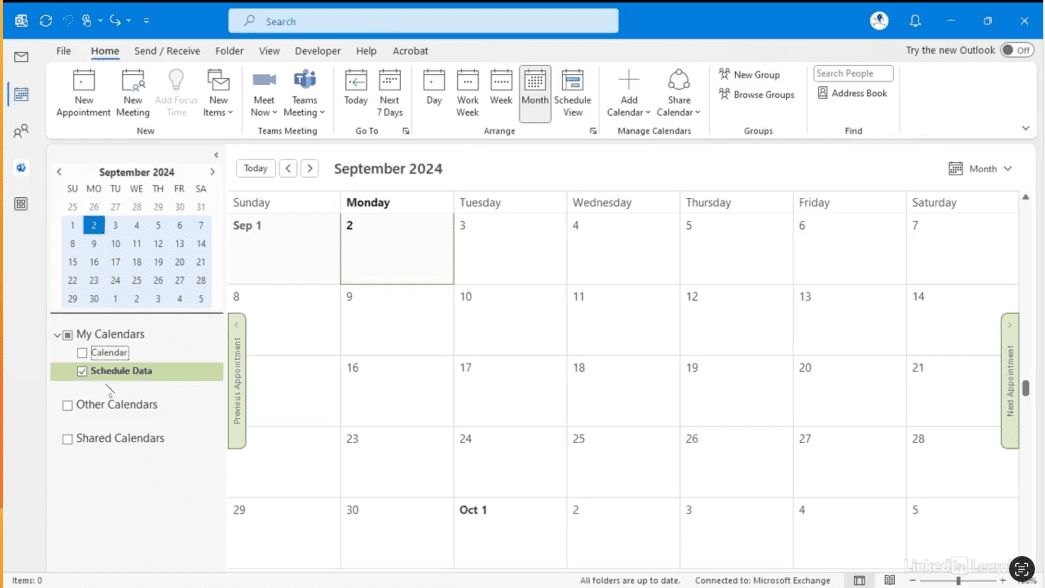
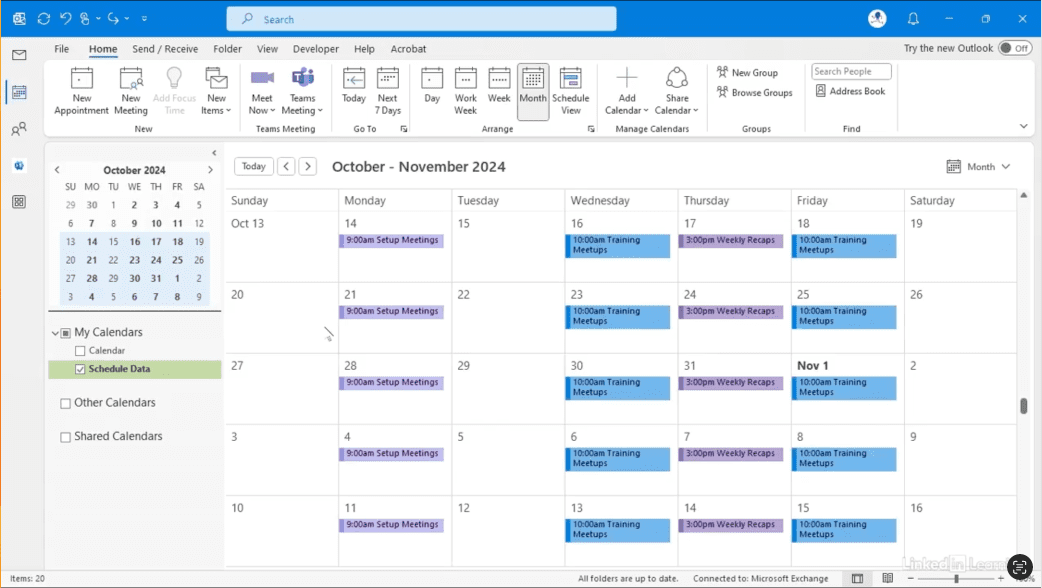
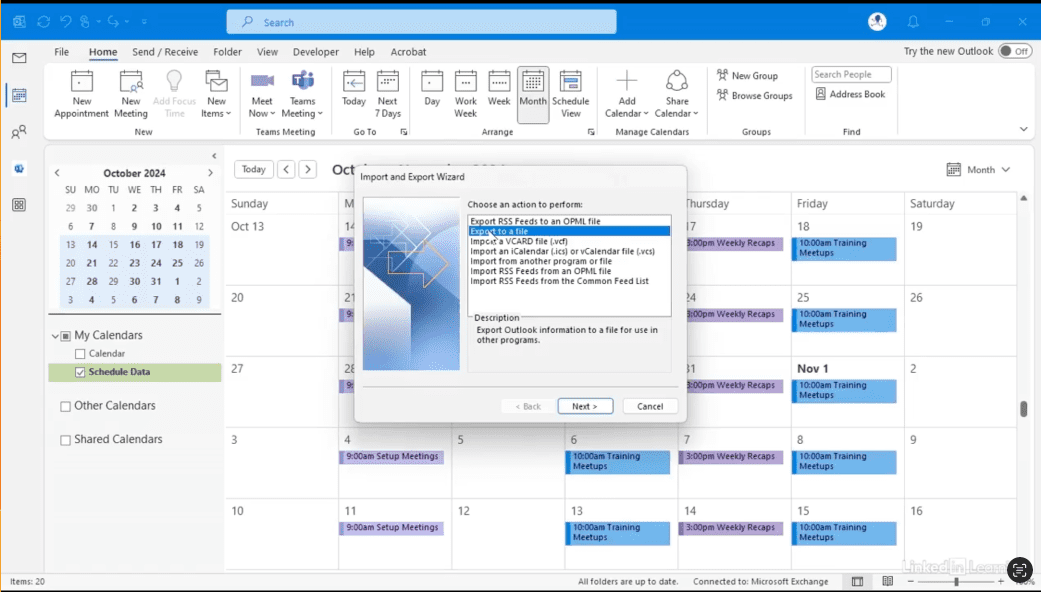
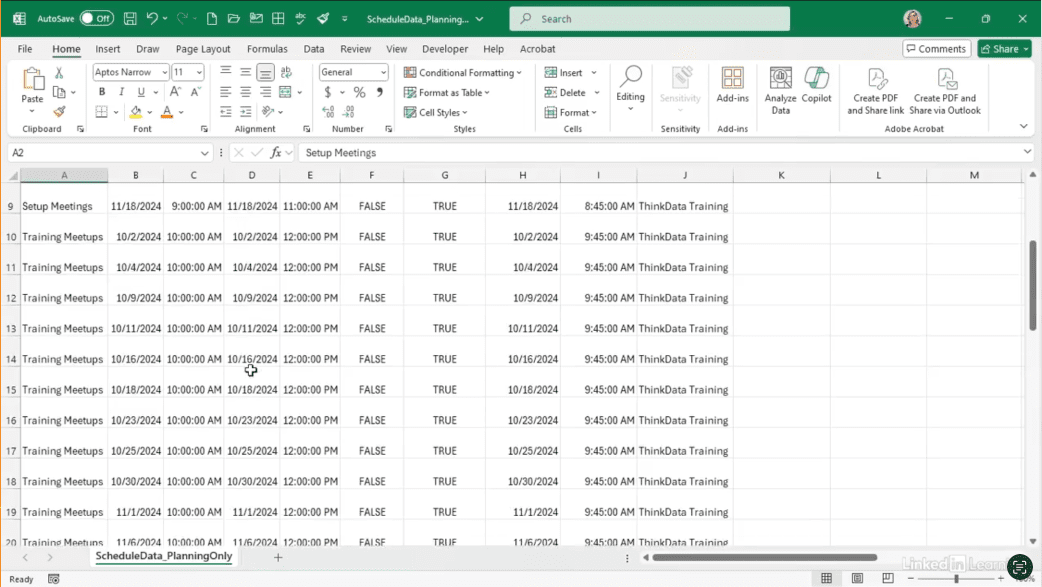
Outlook is often seen as just an email tool, but it’s packed with data and powerful scheduling features. In this Data Survival Skills session, Robin demonstrates how to create calendars with recurring appointments, categorize events, and export them as CSV files. By structuring your schedules this way, you can quickly generate data sets for project planning, reporting, or visualization—without manually typing a single record. This technique goes beyond basic calendar management—giving you a flexible, repeatable method to turn Outlook into a reliable data source for any workflow. The gives a streamlined, efficient system that saves time and makes your scheduling data actionable.
#Outlook #DataAnalytics #ProjectPlanning #WorkflowAutomation #CSVExport #CalendarData #DataWorkflow #Productivity #ProcessOptimization
If you’re a data analyst, you’ve no doubt learned different skills, techniques, and tools pertaining to data. But sometimes it can be difficult to know when and why to apply these tools. In this weekly series, instructor Robin Hunt explains a new skill, secret, tip, technique, best practice, or golden piece of advice in each installment. Robin covers topics that can help you do your job better, such as joining data and data designs, privacy for data, transforming and cleaning data, and making data sets and visualizing data.
Note: Because this is an ongoing series, viewers will not receive a certificate of completion.