
Sub-Total: $0.00
Creating subgroups for use in visuals and basic analysis

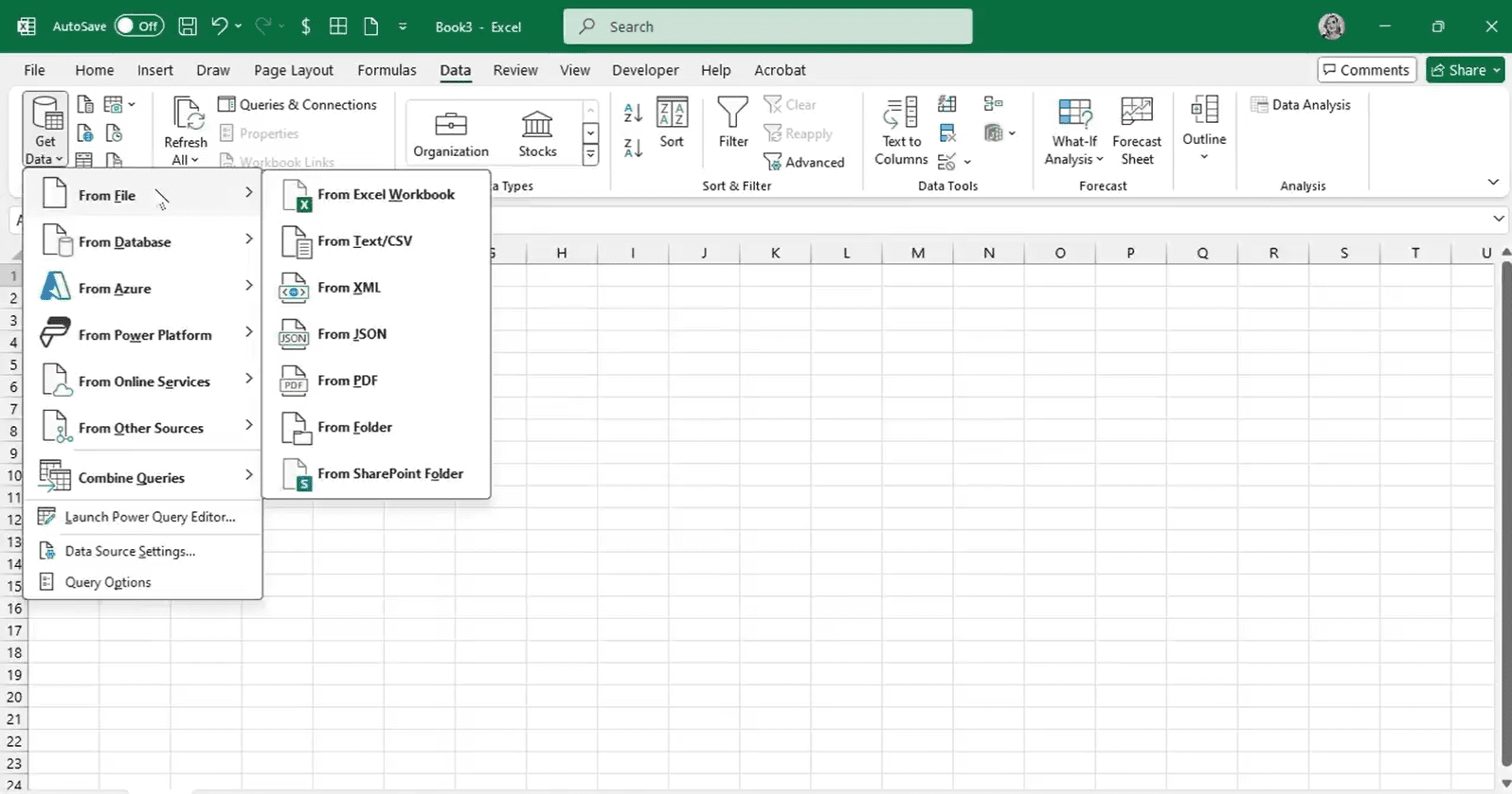
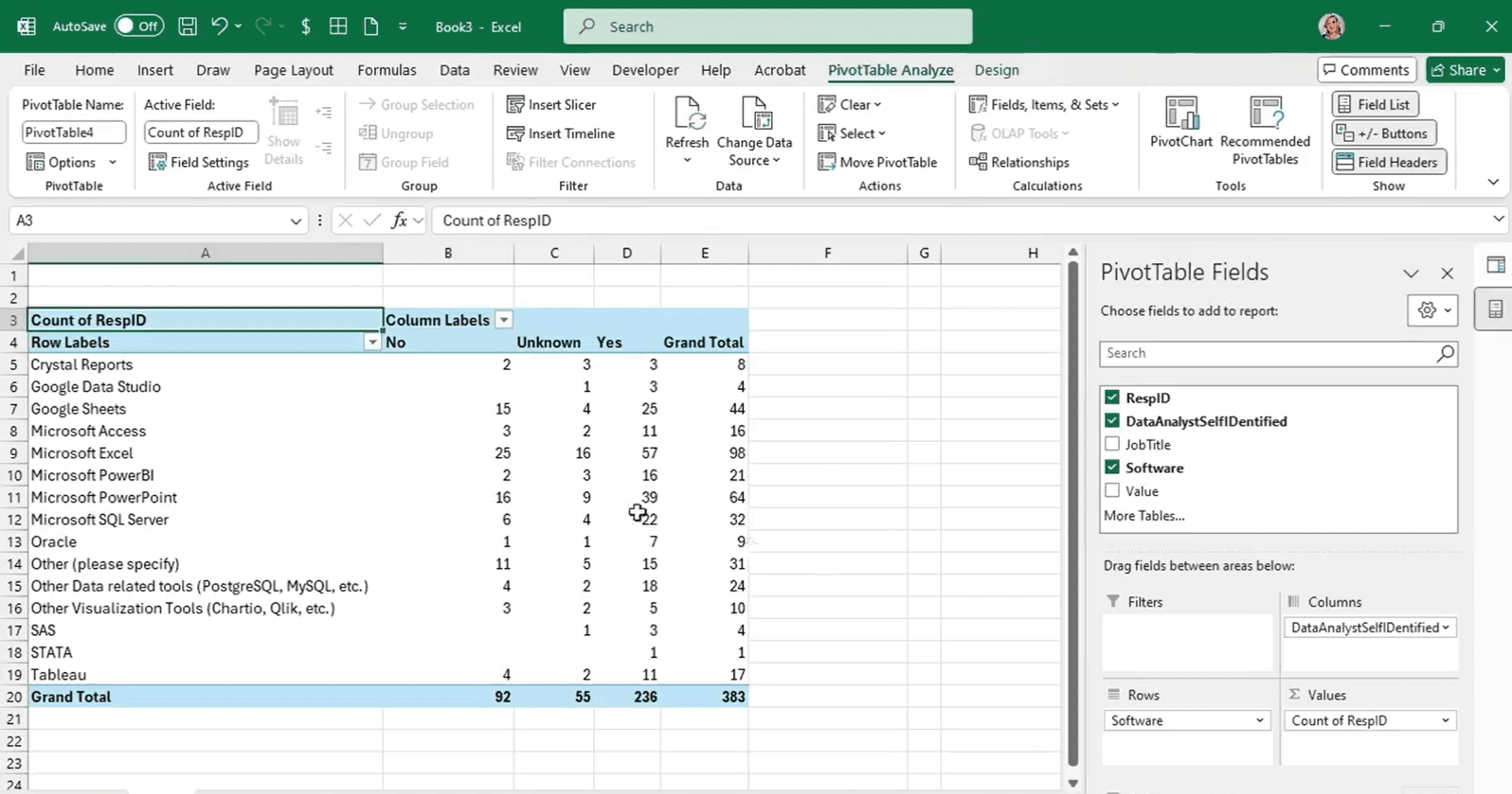
Learn how to clean and restructure survey data to uncover insights about tool usage across different groups. In this Data Survival Skills session, Robin demonstrates how to transform messy survey exports by selecting the right columns, handling null values, and renaming fields for clarity. By walking through step-by-step examples, she shows how to unpivot multi-select survey responses into a single “software” field, making the data ready for pivot tables and analysis. You’ll also see how to compare respondents who self-identify as data analysts against those who don’t—revealing patterns in software adoption that are otherwise hidden. This approach equips you to take complex survey structures and turn them into streamlined, reportable datasets that drive meaningful analysis.
#PowerQuery #Excel #DataCleaning #SurveyData #DataAnalytics #BusinessIntelligence #DataPreparation
If you’re a data analyst, you’ve no doubt learned different skills, techniques, and tools pertaining to data. But sometimes it can be difficult to know when and why to apply these tools. In this weekly series, instructor Robin Hunt explains a new skill, secret, tip, technique, best practice, or golden piece of advice in each installment. Robin covers topics that can help you do your job better, such as joining data and data designs, privacy for data, transforming and cleaning data, and making data sets and visualizing data.
Note: Because this is an ongoing series, viewers will not receive a certificate of completion.