
Sub-Total: $0.00
Understanding and Communicating Impacts

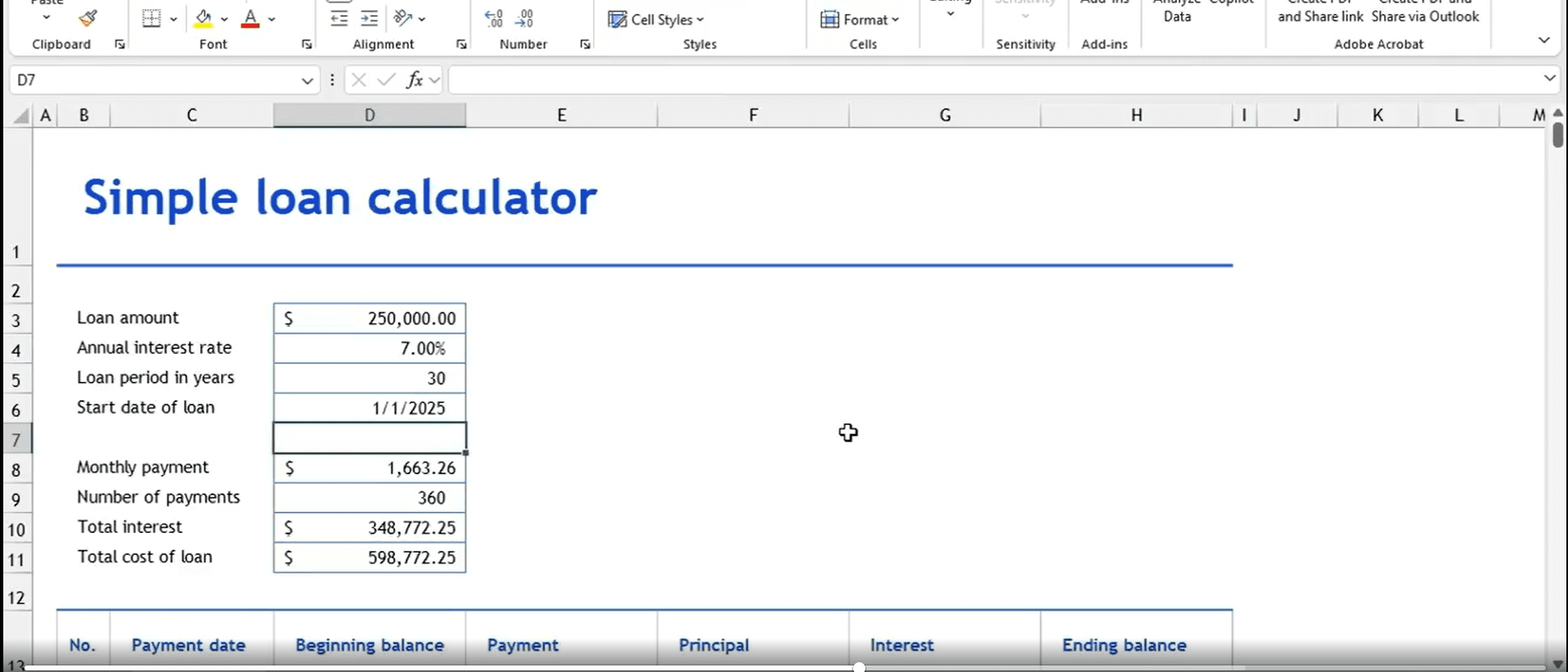
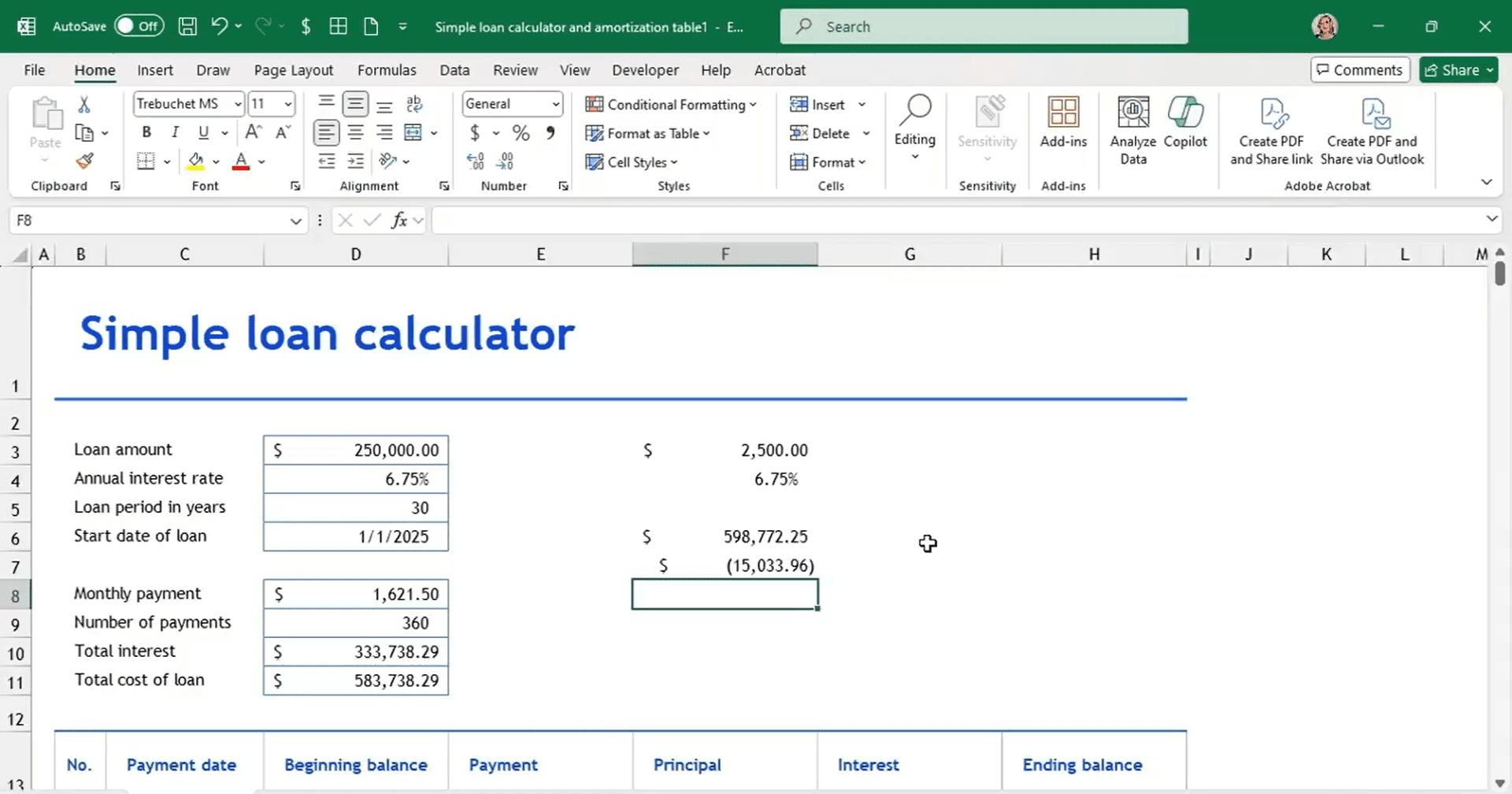
Learn how to uncover the real impact behind a single number with Excel’s loan amortization tools. A monthly payment might look affordable at first glance—but what about the total cost over time? In this Data Survival Skills session, Robin shows how to use Excel’s built-in loan amortization calculator to break down a $250,000, 30-year loan at 7% interest. By moving beyond the single “$1,664 per month” figure, you’ll see how interest, time, and rate changes shape the true cost—nearly $600,000 in this case. You’ll also explore how buying down interest with points can save thousands over the life of a loan. This session highlights why context matters in financial decisions and how Excel can reveal the bigger story behind every number.
#ExcelTips #DataAnalytics #FinancialModeling #LoanAmortization #BusinessIntelligence #DataSkills #Productivity
If you’re a data analyst, you’ve no doubt learned different skills, techniques, and tools pertaining to data. But sometimes it can be difficult to know when and why to apply these tools. In this weekly series, instructor Robin Hunt explains a new skill, secret, tip, technique, best practice, or golden piece of advice in each installment. Robin covers topics that can help you do your job better, such as joining data and data designs, privacy for data, transforming and cleaning data, and making data sets and visualizing data.
Note: Because this is an ongoing series, viewers will not receive a certificate of completion.