
Sub-Total: $0.00
Use Copilot in Word to build documentation about your data project

Learn how to streamline documentation and research with Microsoft Word and Copilot.
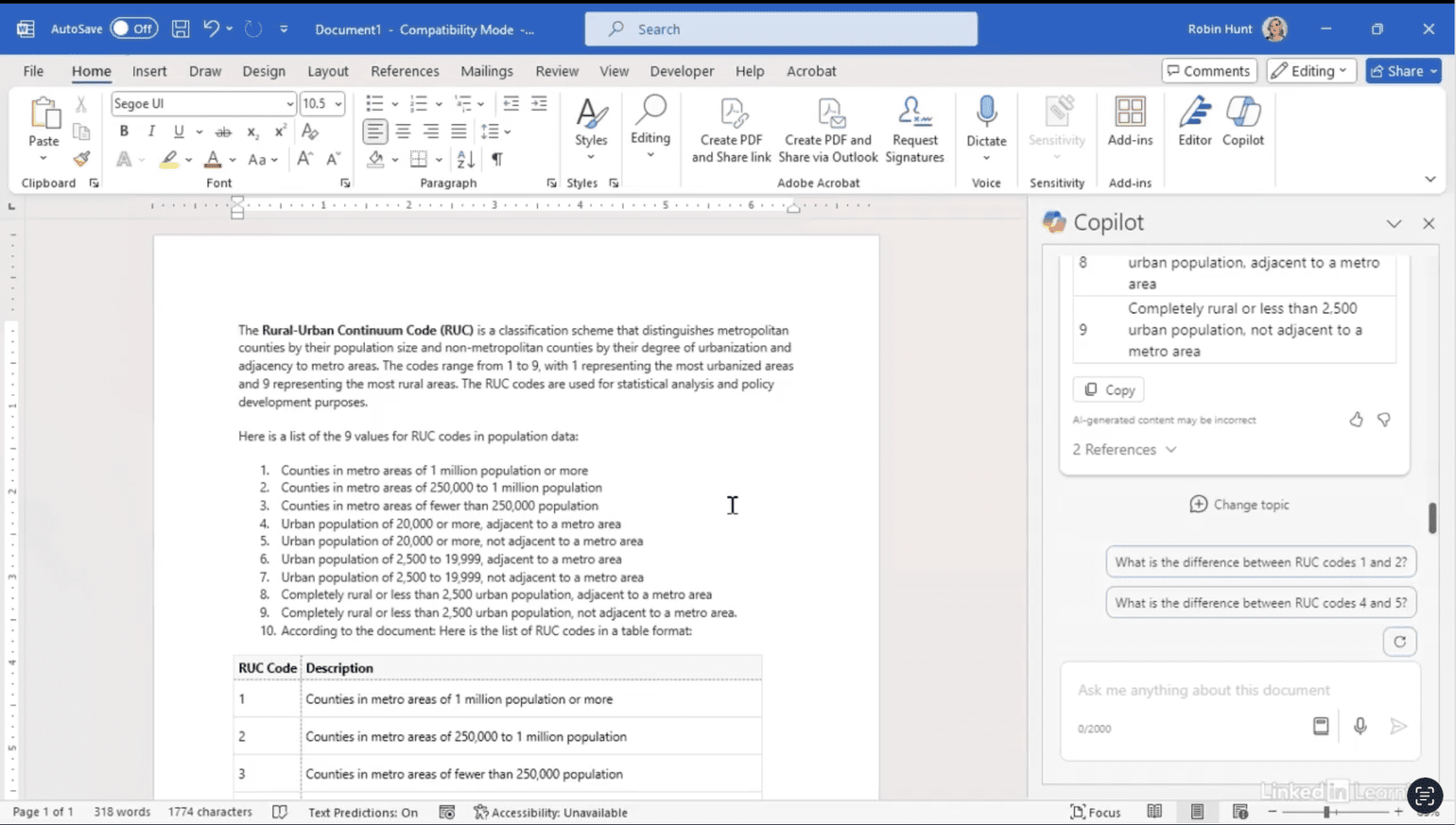
Every data project needs context, whether for yourself, your team, or final presentations. In this Data Survival Skills session, Robin shows how to use Copilot in Word to look up Rural Urban Continuum (RUC) codes, generate explanations, and even turn results into tables. From there, you’ll see how to bring those tables into Excel and integrate them with your datasets for deeper analysis. This approach not only saves time but also makes documentation clearer, more accurate, and ready to support data-driven decisions. By blending AI-powered research with careful verification, you’ll build stronger context and credibility into every project.
#MicrosoftWord #Copilot #DataAnalytics #Documentation #DataSkills #Productivity #AIForWork
If you’re a data analyst, you’ve no doubt learned different skills, techniques, and tools pertaining to data. But sometimes it can be difficult to know when and why to apply these tools. In this weekly series, instructor Robin Hunt explains a new skill, secret, tip, technique, best practice, or golden piece of advice in each installment. Robin covers topics that can help you do your job better, such as joining data and data designs, privacy for data, transforming and cleaning data, and making data sets and visualizing data.
Note: Because this is an ongoing series, viewers will not receive a certificate of completion.